

Elementor Pro
Our take
The upgrade that turns Elementor from a page tool into a site builder: headers, footers, single templates, popups and forms all move into the visual editor. Essentials for Elementor-based builds; pointless without the free core plugin installed first.
Good
- Theme builder for header, footer, singles
- Design-oriented popup builder
- Front-end form builder with integrations
- 18 dynamic WooCommerce widgets
- Motion effects: parallax, 3D tilt, mouse track
Watch out
- Requires the free Elementor plugin
- Designs live in Elementor, switching costs are real
- Heavy pages need performance discipline
Free Elementor designs pages; Elementor Pro designs the site. Headers, footers, single post templates, archives, popups, forms — everything that used to belong to the theme moves into the same drag-and-drop editor. Change themes later and the designs survive, because they were never the theme’s to keep.
Elementor Pro 4.4.0 with template kits is available for download on this page under the GPL license.
Key features of Elementor Pro
- Theme builder. Visually design headers, footers, single posts and blog archives; advanced post filtering and portfolio or card skins work on any custom post type.
- Popup builder. The only design-oriented popup builder in its class — any of the 100+ Elementor widgets can live inside a popup, with WordPress content mixed in.
- Form builder. High-converting front-end forms with advanced fields, spam protection and direct integrations to marketing tools.
- WooCommerce builder. 18 dynamic widgets restyle single products and product archives; sales pages and shop sections get the same visual treatment.
- Motion and polish. Parallax scrolling, horizontal and vertical scroll effects, 3D tilt, mouse tracking, rotate, transparency, blur and scale.
- Widget library. Premium media widgets, a full social media set, menu, search and comprehensive single-post widgets.
Who it suits
Freelancers and agencies standardizing on Elementor, store owners restyling WooCommerce without a developer, and marketers who need landing pages, popups and forms in one tool. Landing pages, homepages, posts, portfolios, products — the whole surface is covered.
Elementor Pro free download: latest version
Elementor Pro 4.4.0 is available for download here under the GPL license. Install free Elementor first, upload the Pro zip, and the theme builder unlocks in the editor.
We tested Elementor Pro 4.4.0
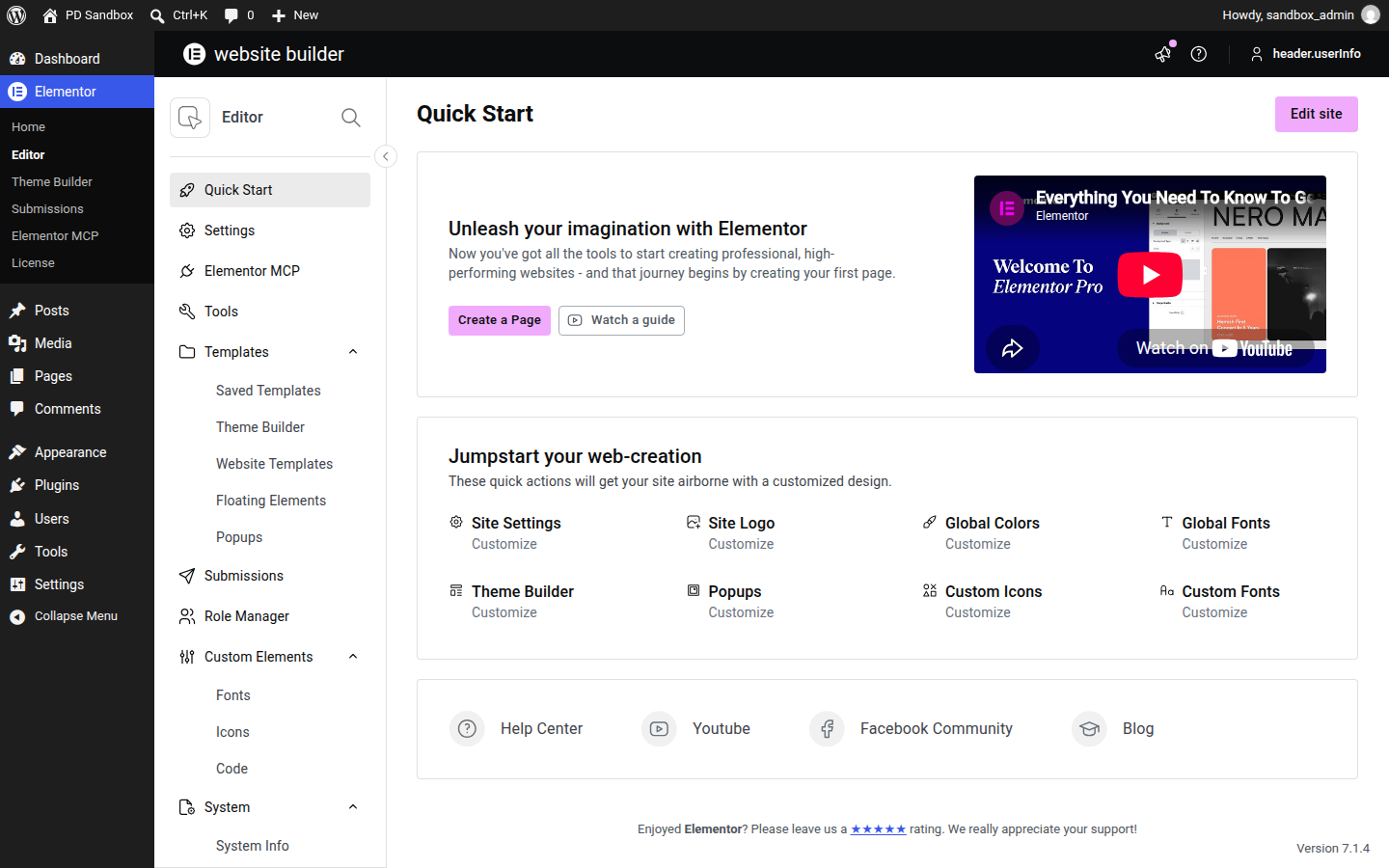
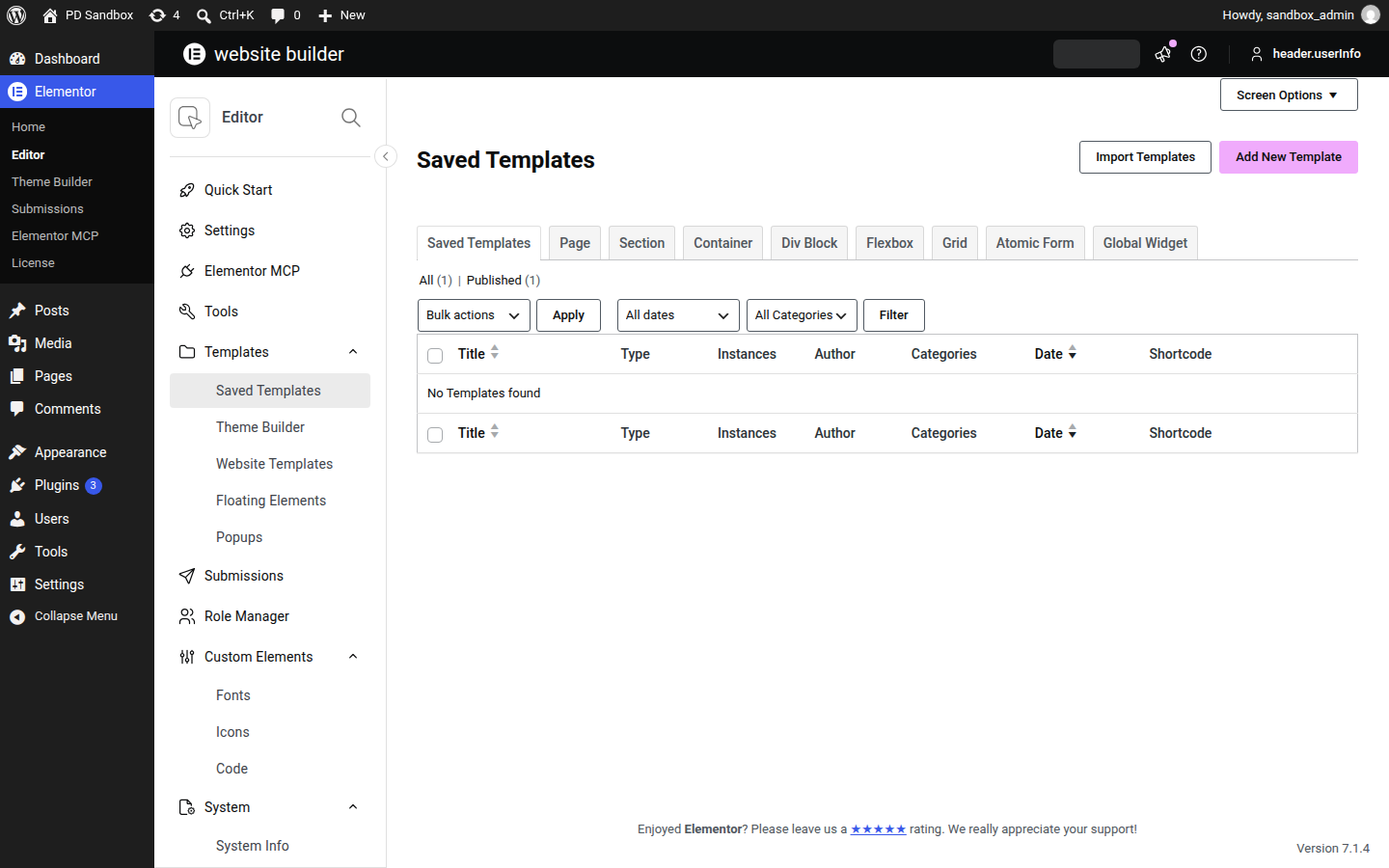
We ran an activation test of Elementor Pro 4.4.0 on a clean WordPress 7.1.4 install (PHP 8.3, MariaDB) on November 5, 2026, on top of the free Elementor plugin it requires — an install-and-activate check, not a full feature review. Activation was clean — no fatal errors, no warnings — with the Pro modules joining the existing Elementor menu. The plugin created no additional database tables and no new cron events; the front page returned HTTP 200.
Install from the zip file
Download the zip on this page. In WordPress, go to Plugins, then Add New, then Upload Plugin. Choose the file, click Install Now, then Activate. Stuck? See our step-by-step guide to installing a plugin from a ZIP.
Do I need the free Elementor plugin as well?
Yes. Elementor Pro is an extension, not a standalone builder — install and activate the free Elementor first, then Pro unlocks the theme builder, popup builder, forms and the premium widget set.
Will my designs break if I switch themes?
No. Headers, footers, templates and pages built in Elementor belong to the builder, not the theme, so a theme change leaves them intact. The real lock-in is Elementor itself: moving away from the builder means rebuilding those layouts.
Which themes does Elementor Pro work with?
It runs alongside most well-coded themes and takes over their header, footer and template areas through the theme builder. Sites that want zero theme interference typically pair it with the vendor's own minimal Hello theme.
Does Elementor Pro work with WooCommerce?
Yes. Eighteen dedicated WooCommerce widgets restyle single product and archive pages, and shop or sales pages get the same drag-and-drop design treatment as any other template.
Will Pro widgets hurt my page speed?
They can if overused. Motion effects like parallax, 3D tilt and mouse tracking add JavaScript weight, so heavy pages benefit from caching, image optimization and some restraint with the animation toggles.
Elementor Pro vs WPBakery Page Builder: which is better?
Elementor Pro is the modern choice: a faster front-end editor, a theme builder for headers, footers and templates, and a popup builder WPBakery does not offer. WPBakery remains relevant mainly where an existing site or theme is already built on its shortcodes — for new projects, Elementor's workflow and ecosystem are the stronger bet.
Is Elementor Pro free?
No, Pro is a commercial extension with no free tier. The free Elementor plugin is a full page builder on its own — Pro adds the theme builder, popups, forms and premium widgets on top of it.
Why is Elementor stuck on the loading screen?
Usually one of three causes: not enough PHP memory for the editor, a conflict with another plugin (security and optimization tools are frequent suspects), or an outdated free Elementor running beside a newer Pro. Raise the memory limit, test with other plugins temporarily disabled, and keep the free and Pro versions in step.