Advanced Custom Fields Pro
Our take
The developer standard for structured content in WordPress: flexible content layouts double as a page-building system, and ACF blocks make Gutenberg tolerable for PHP developers. Content editors see clean forms; you keep full control of the markup.
Good
- Repeater and flexible content fields
- Options pages for site-wide settings
- ACF blocks for custom Gutenberg blocks
- Gallery and clone fields
- Local JSON for version control
Watch out
- Repeater, gallery and options pages are Pro-only
- Output still needs theme-side code
- Flexible content UX takes explaining to clients
Works well with
- Block editor
- WooCommerce
- Elementor Pro
- WPML
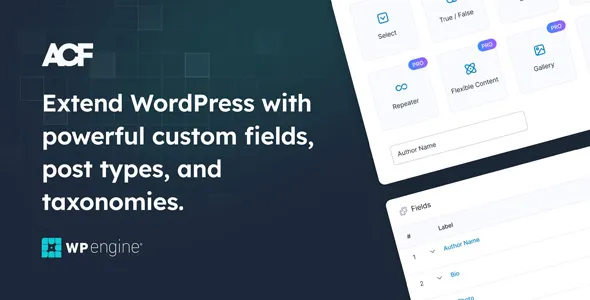
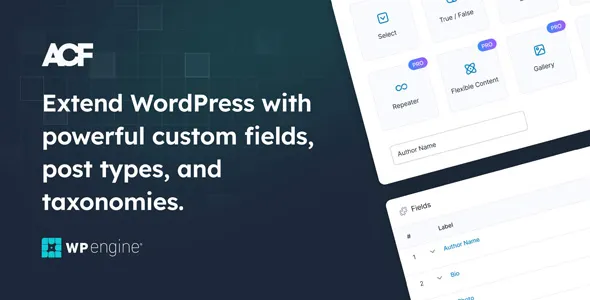
Every serious WordPress build eventually needs fields WordPress doesn’t have: team members, specs, opening hours, homepage sections. Advanced Custom Fields Pro is the answer the developer community standardized on — extra fields and features for developing better websites, from repeatable data to full page-building toolkits.
ACF Pro 6.8.11 with addons is available for download on this page under the GPL license.
Key features of ACF Pro
- Repeater and flexible content. Repeatable rows for structured data; flexible content lets editors compose pages from your predefined layouts — a page builder you fully control.
- Options pages. Site-wide settings (header scripts, contact data, global banners) get proper admin screens instead of hardcoding.
- Gallery and clone fields. Media galleries as first-class fields; clone reuses field groups across post types without duplication.
- ACF blocks. Build custom Gutenberg blocks in PHP with the fields API — block-editor output with developer ergonomics.
- Developer workflow. Local JSON for version-controlled field groups, easy import/export, front-end forms, improved validation and relationship fields, and a fresh UI throughout.
Who it suits
Theme and site developers first: ACF Pro is how structured content gets modeled without custom meta box code. Agencies use flexible content to give clients freedom inside guardrails. Paired with custom post types, it covers most of what sites otherwise buy niche plugins for.
ACF Pro free download: latest version
ACF Pro 6.8.11 plus addons is available for download here under the GPL license. ACF Pro installs as a single plugin (it includes the free core’s features), so upload, activate, and create your first field group.
We tested Advanced Custom Fields Pro 6.8.11
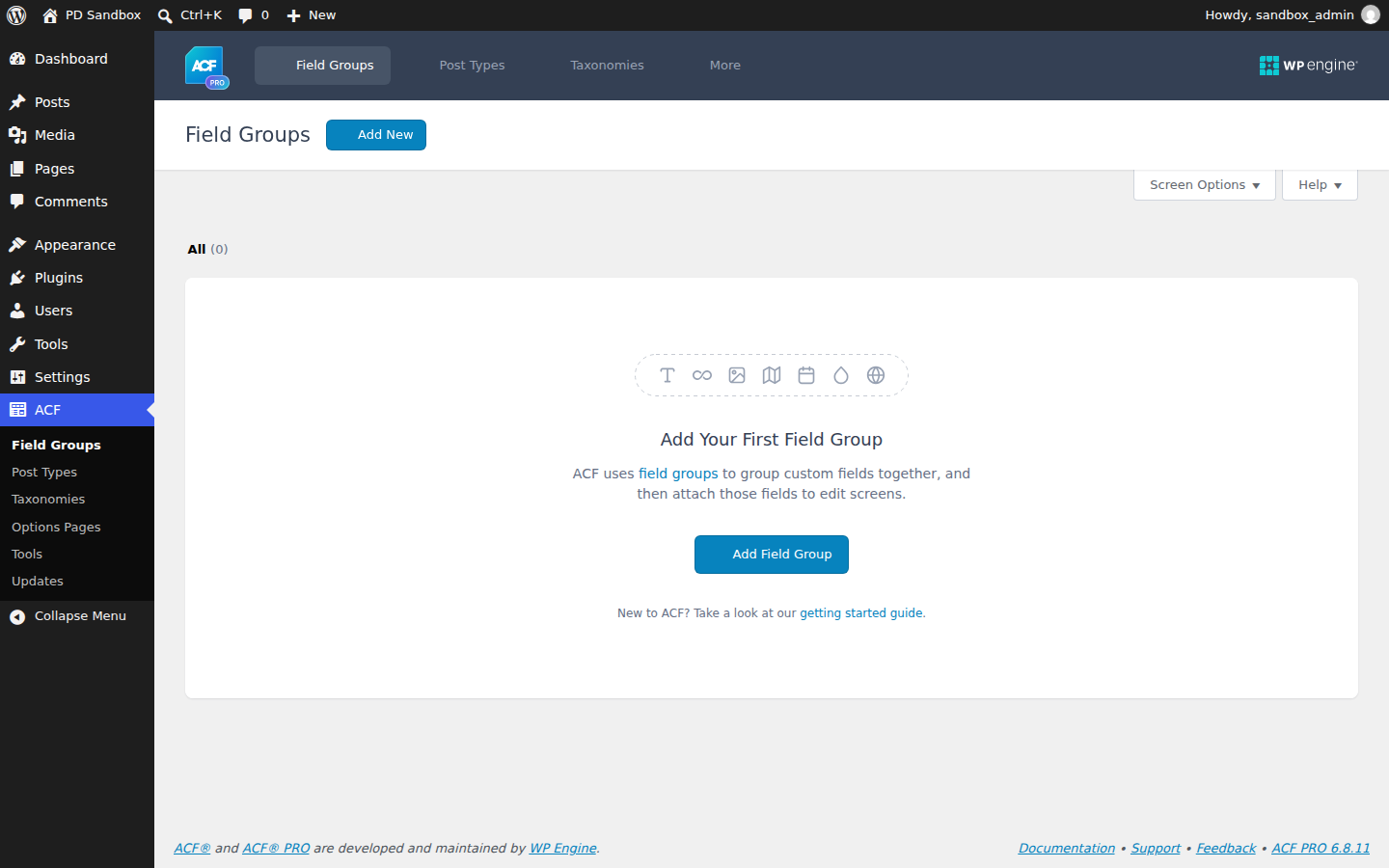
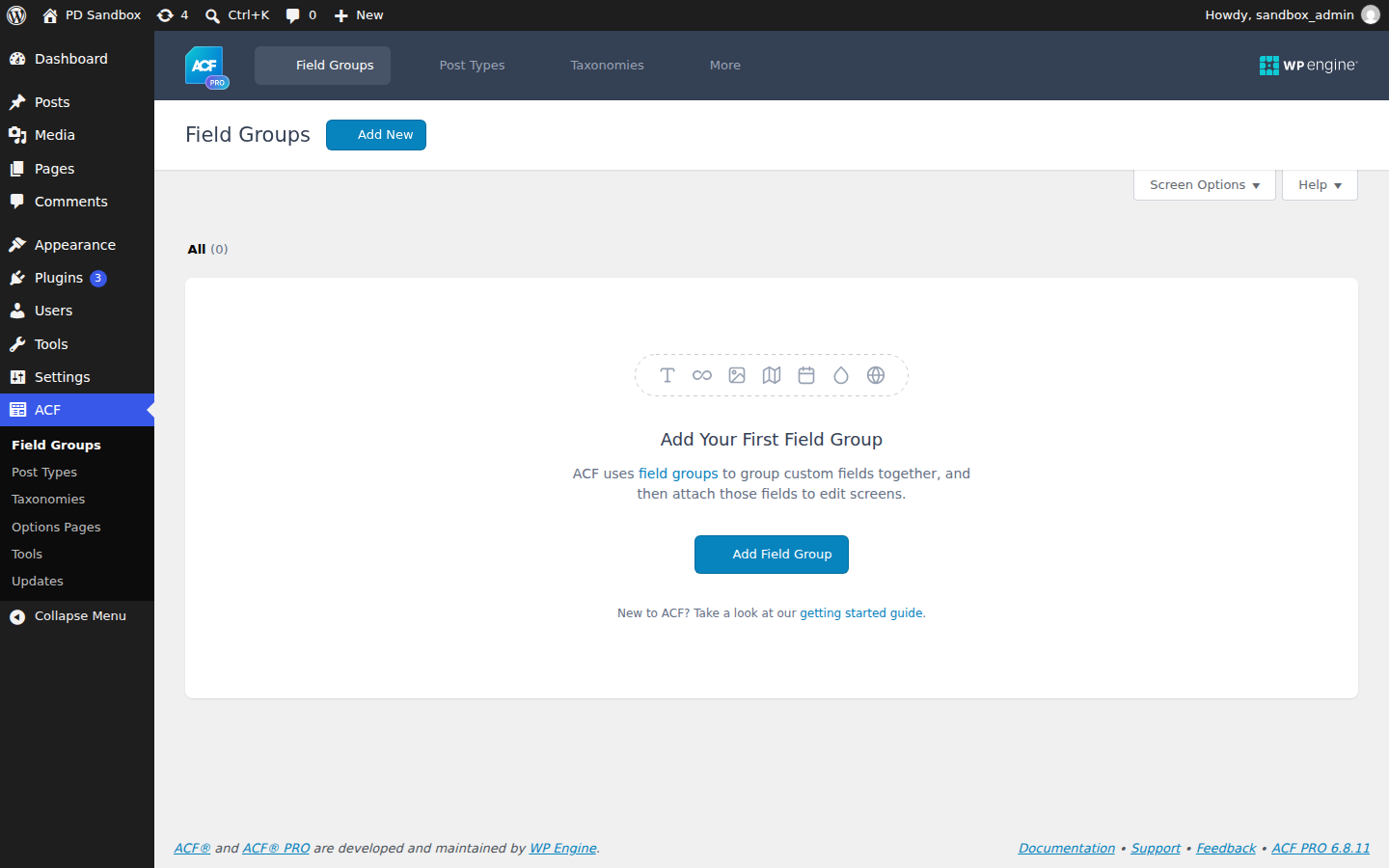
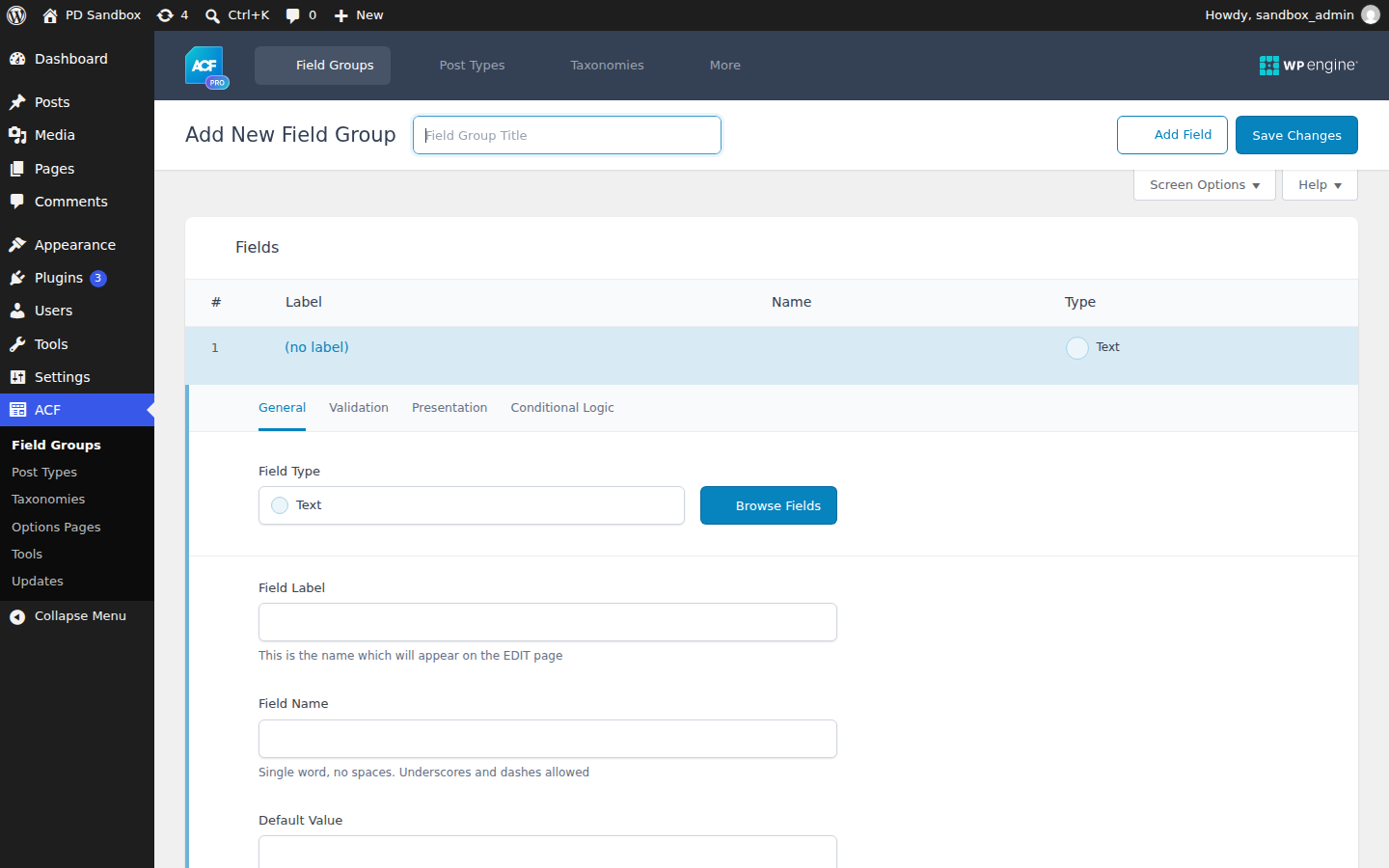
We ran an activation test of Advanced Custom Fields Pro 6.8.11 on a clean WordPress 7.1.4 install (PHP 8.3, MariaDB) on November 5, 2026 — an install-and-activate check, not a full feature review. Activation was clean — no fatal errors, no warnings — and an ACF menu appeared in the dashboard. The plugin created no additional database tables on a stock install and scheduled one new cron event; the front page stayed at HTTP 200.
Install from the zip file
Download the zip on this page. In WordPress, go to Plugins, then Add New, then Upload Plugin. Choose the file, click Install Now, then Activate. Stuck? See our step-by-step guide to installing a plugin from a ZIP.
Should the free ACF plugin stay installed alongside Pro?
No. ACF Pro is a complete, self-contained plugin that includes everything the free version does — deactivate the free copy before activating Pro to avoid duplicate functionality and field conflicts.
Can I build Gutenberg blocks without writing JavaScript?
Yes. ACF blocks register custom block editor blocks in PHP through the familiar fields API, so block building stays in the same workflow as the rest of your field groups.
How do field groups survive deployment between environments?
Local JSON saves each field group as a file inside the theme, so groups can be committed to version control, reviewed in pull requests and synced automatically on deploy — no manual import screens.
Can editors compose pages without breaking the design?
That is the point of the flexible content field: you define the layouts and fields, and editors stack them freely inside those guardrails — page-builder freedom without the markup surprises.
Does ACF Pro handle front-end submissions?
Yes. Front-end forms are supported with improved validation, so visitors can create or edit content while the data flows through the same field API used in the admin.
Is ACF Pro free?
The core Advanced Custom Fields plugin is free and covers the standard field types. ACF Pro is the commercial upgrade that adds the repeater, flexible content, gallery and clone fields, options pages and ACF blocks.
Why don't my ACF fields appear on the front end?
Because saving a field is only half the job — the theme must output it. Template files print the value with the_field() or get_field() for the relevant field name. If the fields show in wp-admin but not on the page, the output code is missing or pointing at the wrong field name.