

WPML Multilingual CMS
Our take
The default answer for serious multilingual WordPress: corporate-grade translation management that still works for a blog. This package is the full bundle — the core plugin plus thirteen addon modules for forms, SEO, imports and community plugins — so integrations do not stop at the first contact form.
Good
- Complete translation management workflow
- Automatic translation with credit dashboard
- String, menu and media translation
- Works with page builders and WooCommerce
- 13 addon modules bundled here
Watch out
- Automatic translation uses a credit system
- Multilingual setups always need planning
- Interface is dense for small sites
Going multilingual is the moment a WordPress site becomes an operation: content in several languages, translators, SEO per locale, plugins that all need to speak every language. WPML Multilingual CMS has been the standard answer for over a decade — powerful enough for corporate sites, still manageable for a blog. Version 5.3.0 is available for download on this page under the GPL license as a full bundle: the core plugin plus thirteen addon modules.
Translation management at scale
The Translation Dashboard is the control center: send content to translation, track jobs, watch estimated completion times. Automatic translation can translate everything, with credit estimation up front and visible notifications when credits run low or a job gets stuck. The Advanced Translation Editor gives translators a proper workspace, and integration with professional translation services covers the human route. Over forty languages ship built in, and custom language variants can be added with the languages editor.
Every part of the site, translated
String translation handles the texts that live outside posts — theme and plugin strings, widget titles, taglines. Menu translation keeps navigation consistent per language, page builders and Full Site Editing are supported, and e-commerce content translates end to end. The language switcher is accessible, with screen reader support and keyboard navigation.
The addon bundle on this page
Beyond the core plugin, this download includes thirteen addon modules that connect WPML to the rest of the stack: form plugins — Gravity Forms, Contact Form 7, WPForms and Ninja Forms; content workflows — WPML All Import and WPML Import for multilingual CSV imports; marketing — MailChimp; SEO — Yoast SEO Multilingual; community — BuddyPress Multilingual; plus CMS Navigation, Sticky Links, GraphQL support and a Troubleshooting tool. In practice this means a multilingual shop with forms, imports and SEO works without hunting for compatibility glue.
Who it suits
Corporate sites, WooCommerce stores selling across borders, publishers with multilingual editorial teams, and any WordPress project where translation is a workflow, not a widget.
WPML free download: latest version
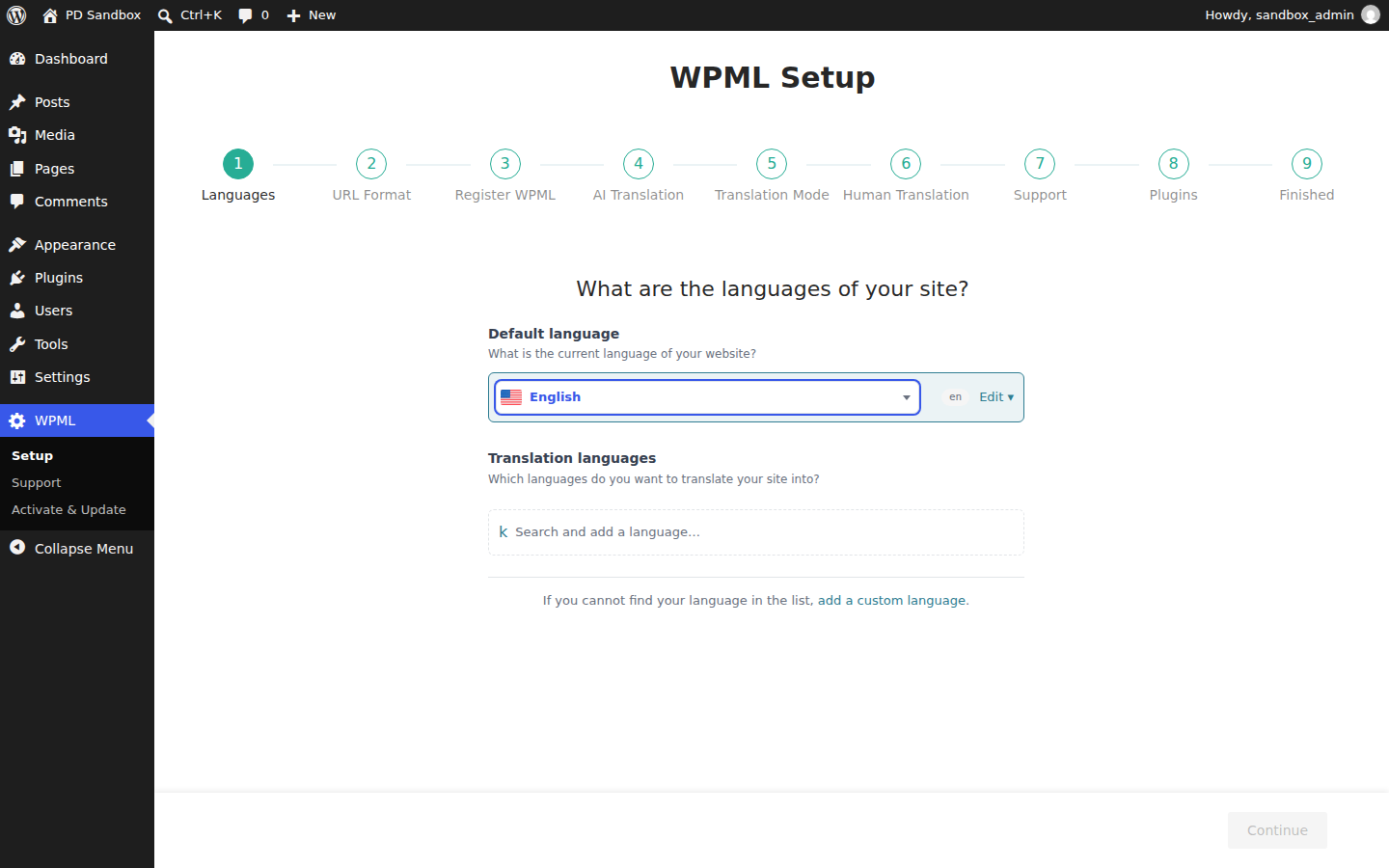
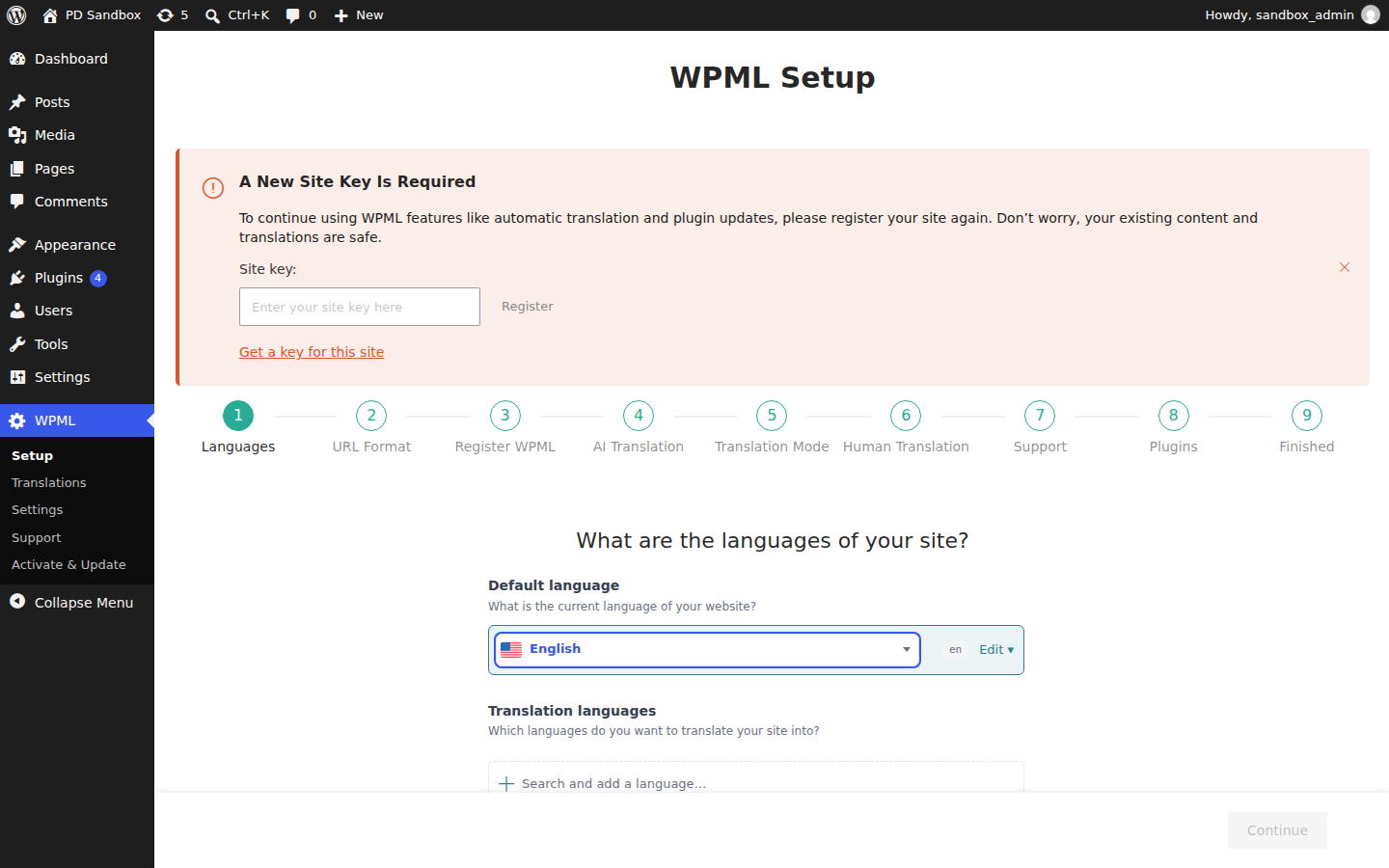
WPML Multilingual CMS 5.3.0 is available for download here under the GPL license, with the thirteen addon modules listed in the download box. Upload via Plugins → Add New → Upload Plugin, activate the core first, run the setup wizard to pick your languages, then add the addon modules your stack requires.
We tested WPML Multilingual CMS 5.3.0
We ran an activation test of WPML Multilingual CMS 5.3.0 on a clean WordPress 7.1.4 install (PHP 8.3, MariaDB) on November 5, 2026 — an install-and-activate check, not a full feature review. Activation completed without fatal errors or warnings and a WPML menu appeared in the dashboard. The plugin created no additional database tables at activation and registered one background cron task; the front page returned HTTP 200.
Install from the zip file
Download the zip on this page. In WordPress, go to Plugins, then Add New, then Upload Plugin. Choose the file, click Install Now, then Activate. Stuck? See our step-by-step guide to installing a plugin from a ZIP.
Which languages can I add to a site?
Over forty languages ship built in, and the languages editor lets you define custom variants — a regional Portuguese or a Swiss German locale, for example — when the standard list is not enough.
Does automatic translation cost anything extra?
It runs on a credit system. The dashboard estimates credits before a job starts and shows visible warnings when credits run low or a job gets stuck, so translations do not fail silently mid-batch.
What about texts that are not inside posts?
String Translation covers theme and plugin strings, widget titles and taglines, and menu translation keeps navigation consistent per language — the parts of a site that usually get forgotten in multilingual setups.
Can I use WPML with a page builder or block themes?
Yes. Page builders and Full Site Editing are supported, so layouts built with the block editor or a visual builder translate the same way as standard content.
Which plugins does it connect with?
Integration modules cover Gravity Forms, Contact Form 7, WPForms and Ninja Forms for forms, Yoast SEO Multilingual for search metadata, MailChimp for marketing, BuddyPress for communities, and WPML All Import for multilingual CSV imports.
WPML vs Polylang: which one should I pick?
WPML is the fuller platform: translation management, automatic translation with a credit dashboard, string translation and integration modules for the major form and SEO plugins. Polylang is the lighter, simpler alternative with a free core version that suits blogs and smaller sites. Complex multilingual stores and editorial workflows favor WPML; a bilingual brochure site is often happy with Polylang.
Is there a free version of WPML?
No, WPML is commercial-only. Free multilingual options do exist — Polylang and TranslatePress both offer free core versions — but the translation management and addon ecosystem are what the WPML license buys.