

LearnDash
Our take
The LMS chosen by universities and Fortune 500 training programs, still usable by solo creators: the course builder is fast, monetization is native, and ProPanel adds real analytics. Its depth rewards planning your course structure before clicking around.
Good
- Powerful drag-and-drop course builder
- Advanced quizzing and assignments
- Drip-feed content and prerequisites
- Certificates, badges and course points
- Native sales: one-time, subscriptions, bundles
Watch out
- Feature depth means setup time
- Best design needs a compatible theme
- ProPanel and gradebook are separate pieces
Works well with
- Block editor
- WooCommerce
- Elementor
- Stripe
- PayPal
- Zapier
Selling knowledge online means more than putting videos behind a paywall — courses need structure, assessment and pacing. LearnDash is the WordPress LMS built by learning-industry professionals, the choice of Fortune 500 companies and major universities, and still the fastest way to turn a WordPress site into a course platform.
LearnDash 5.3.0 with ProPanel 3.0.4 and addons is available for download on this page under the GPL license.
Key features of LearnDash
- Course builder. A powerful drag-and-drop builder organizes courses, lessons and topics in minutes — use any theme, any media, mobile compatible throughout.
- Assessment. Advanced quizzing, assignment management, gradebook, certificates and badges, plus course points that gamify progress.
- Pacing and access. Drip-feed content, flexible prerequisites, group management for cohorts and organizations, and LearnDash Focus Mode for distraction-free learning.
- Monetization. One-time purchases, subscriptions, memberships, course bundles and course licenses, with email notifications and a shopping cart.
- Visibility. Detailed reporting and the ProPanel dashboard show enrollment, progress and completion; user profiles and dynamic forums keep learners engaged. Multisite enabled.
Who it suits
Coaches and creators selling flagship courses, companies running employee training, schools putting curricula online. Transform a site in less than five minutes with the onboarding flow, then grow into the depth as the catalog expands.
LearnDash free download: latest version
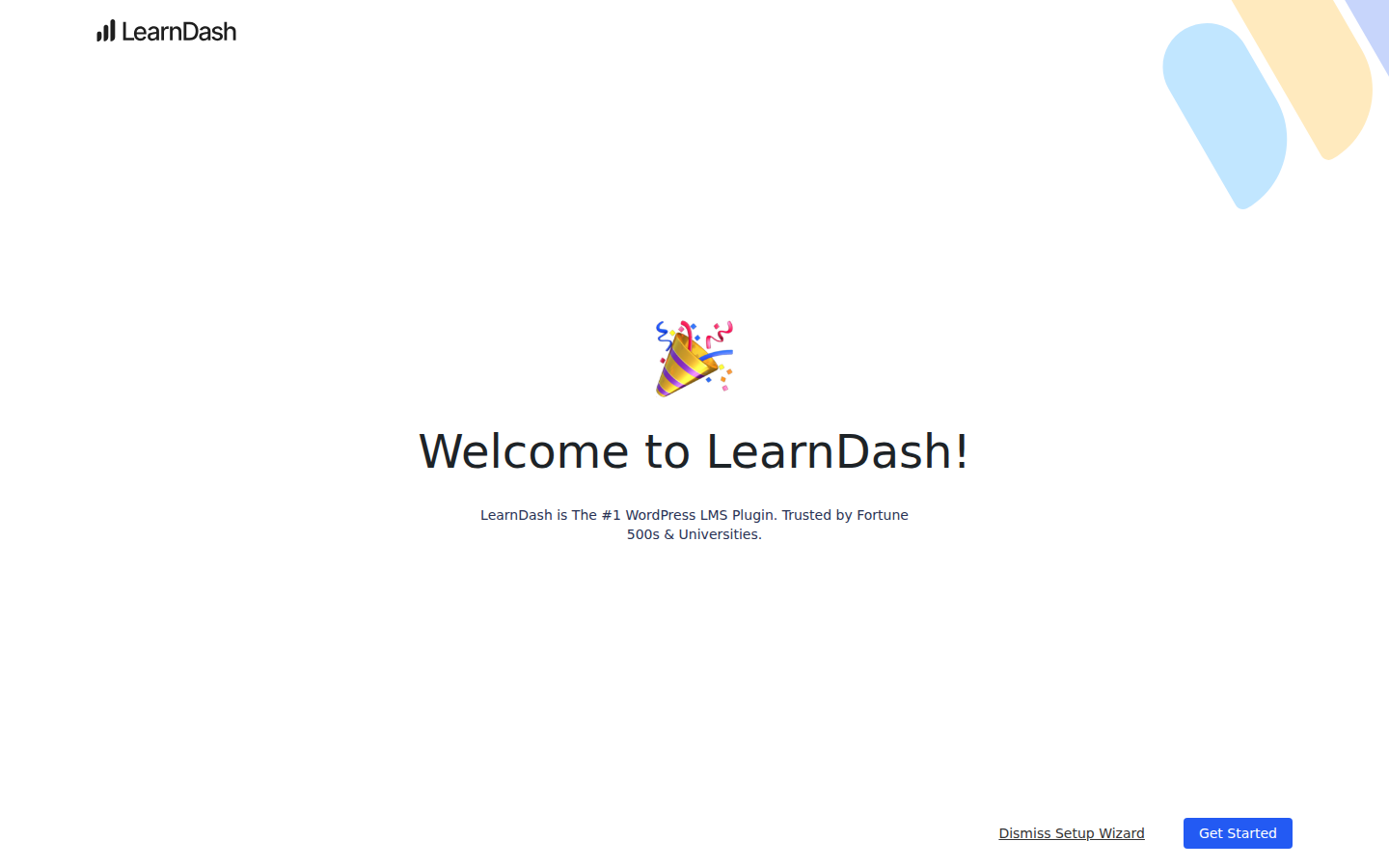
LearnDash 5.3.0 plus ProPanel and addons is available for download here under the GPL license. Upload via Plugins → Add New → Upload Plugin, activate, and the setup wizard walks you to your first course.
We tested LearnDash 5.3.0
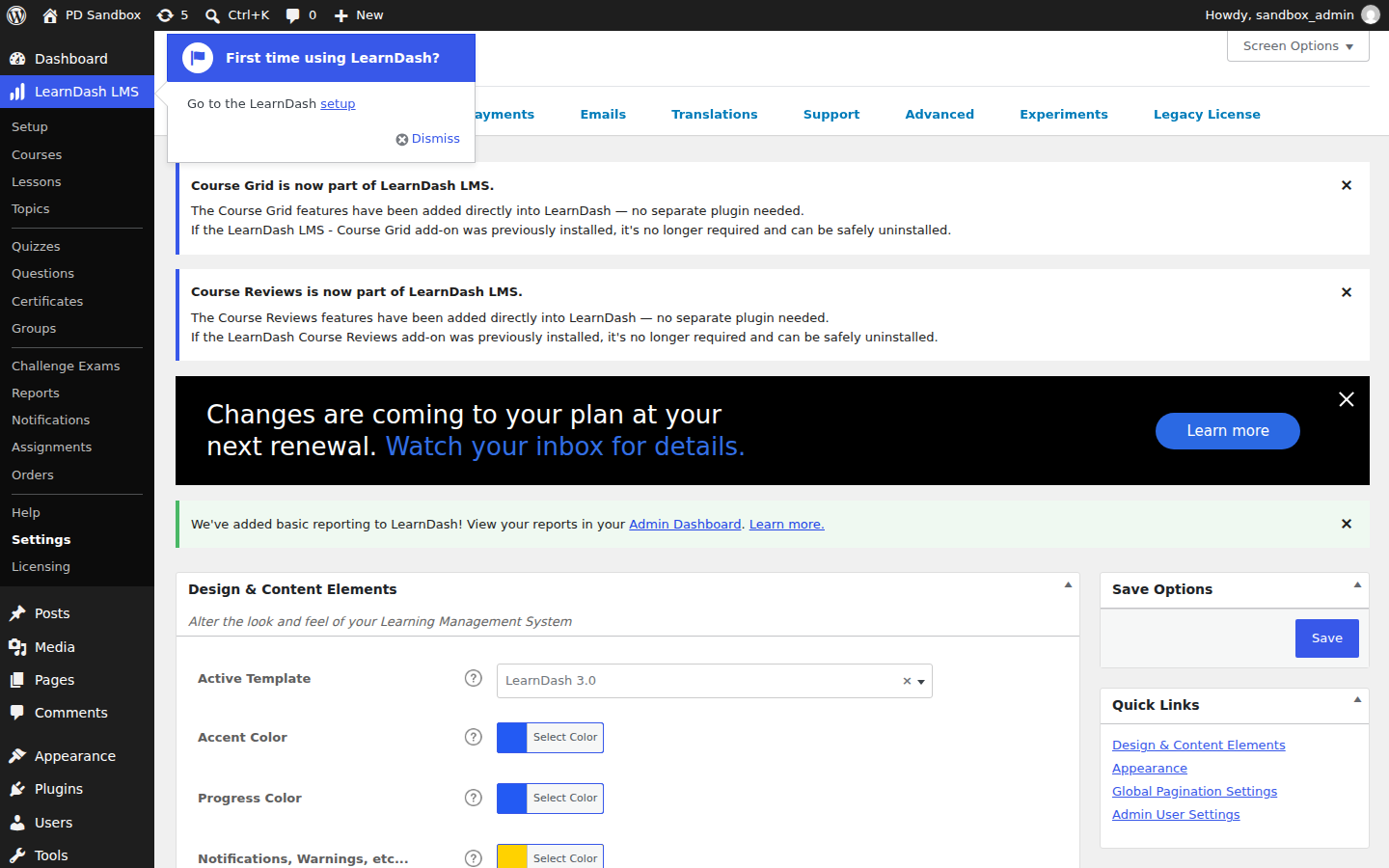
We ran an activation test of LearnDash 5.3.0 on a clean WordPress 7.1.4 install (PHP 8.3, MariaDB) on November 5, 2026 — an install-and-activate check, not a full feature review. Activation was clean — no fatal errors, no warnings — and a LearnDash LMS menu appeared in the dashboard. The plugin created 4 database tables for course data and registered 2 additional cron events, while the front page stayed at HTTP 200.
Install from the zip file
Download the zip on this page. In WordPress, go to Plugins, then Add New, then Upload Plugin. Choose the file, click Install Now, then Activate. Stuck? See our step-by-step guide to installing a plugin from a ZIP.
Do I need a special theme for LearnDash?
No. Courses work with any theme and any media, and the plugin is mobile compatible throughout. Focus Mode strips theme distractions from the learning view when you want a cleaner classroom without changing the design.
Does LearnDash work on a multisite network?
Yes, it is multisite enabled — the setup universities and training organizations use to run separate course sites for departments or clients on a single installation.
What selling options are built in?
One-time purchases, subscriptions, memberships, course bundles and course licenses, with a shopping cart and email notifications included — a course can go on sale without a separate store plugin.
Can lessons unlock on a schedule?
Yes. Drip-feed content releases lessons over time, and flexible prerequisites chain courses together so students finish one step before the next opens.
Where do I see learner progress?
Detailed reporting and the gradebook cover the basics; the ProPanel dashboard goes deeper with enrollment, progress and completion analytics. ProPanel ships as a separate component from the core plugin.
LearnDash vs Tutor LMS Pro: which should I choose?
LearnDash is the established enterprise choice: deeper quizzing, mature group management and a decade of third-party integrations, which is why universities and large training programs standardize on it. Tutor LMS Pro offers a more modern interface and a capable free core version, making it attractive for smaller course businesses starting out.
Is LearnDash free?
No, LearnDash is a commercial plugin with no free tier. If budget decides, Tutor LMS has a free core version worth evaluating first — but the depth in assessment, drip scheduling and group management is what the LearnDash license pays for.
How do I install LearnDash?
Like any premium plugin: upload the zip via Plugins, Add New, Upload Plugin, activate, and the onboarding flow walks you to a first course in minutes. A step-by-step walkthrough is in our plugin installation guide.