Our take
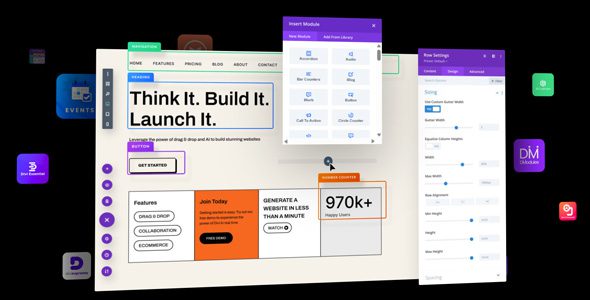
The most recognizable visual builder in WordPress: true front-end editing where you click and type, a layout library that never stops growing, and an ecosystem of child themes and modules. Divi 5 rebuilds the engine for speed while keeping the workflow people know.
Good
- True real-time front-end visual editing
- 46 content elements with global styles
- Huge premade layout library
- In-line editing and responsive controls
- Massive community and marketplace
Watch out
- Proprietary builder format
- Divi 5 differs from Divi 4 workflows
- Full power needs the membership
Works well with
About this theme
Ask a non-developer how they want to build a website and they describe Divi: click on the page, type, drag things until it looks right. Elegant Themes turned that expectation into a theme and visual builder in one. Version 5.19.0 is available for download on this page under the GPL license, with the classic Divi 4.27.6 also included in the archive for sites not ready to migrate.
Real-time design, not preview panes
The Divi Builder edits the actual page on the front end: click into text and type, drag widths with the mouse, watch every change happen live. Forty-six content elements cover sliders, galleries, forms, pricing tables and more, global elements update across the whole site from one edit, and responsive editing previews and adjusts per device. Import and export moves layouts between sites.
Layout packs and instant content
Premade layout packs — full page sets for specific industries — drop into any page, giving projects a professional structure immediately. In-line editing, draggable widths, instant content and an organized layer view keep large pages manageable, and the customizable interface adapts to how each builder works. Divi 5 rebuilds the framework to be faster and leaner while keeping the visual workflow.
WooCommerce and the ecosystem
WooCommerce modules style products, carts and checkouts visually, so stores get the same front-end editing as pages. Around the theme sits the largest ecosystem in the premium WordPress world: thousands of third-party child themes, modules and extensions, plus documentation and tutorials for every skill level. Translation readiness and WPML compatibility cover multilingual sites.
Divi free download: latest version
Divi 5.19.0 is available for download here under the GPL license, with Divi 4.27.6 included for legacy sites. Upload via Appearance → Themes → Add New → Upload Theme, activate and start editing any page visually.
We tested Divi 5.19.0
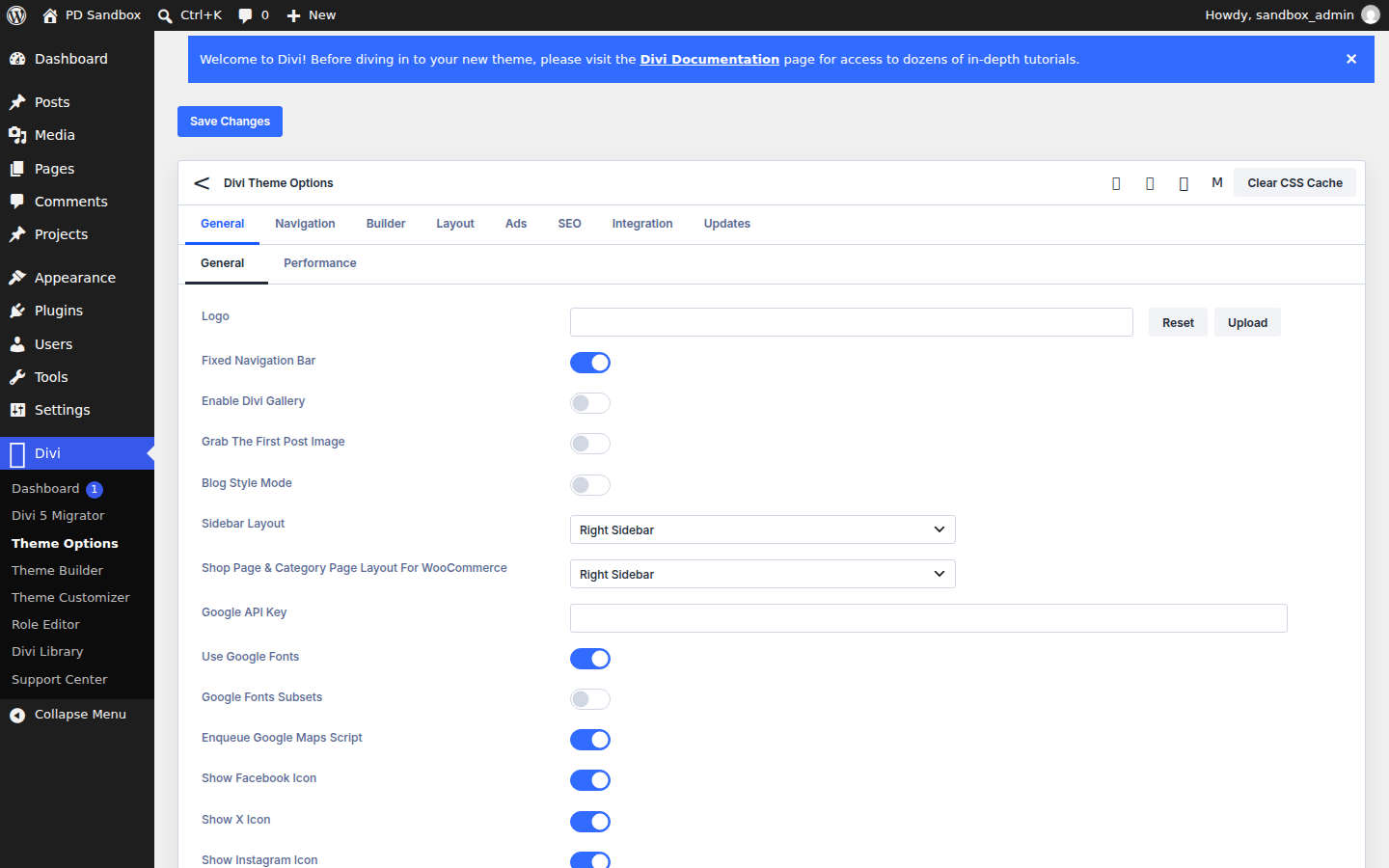
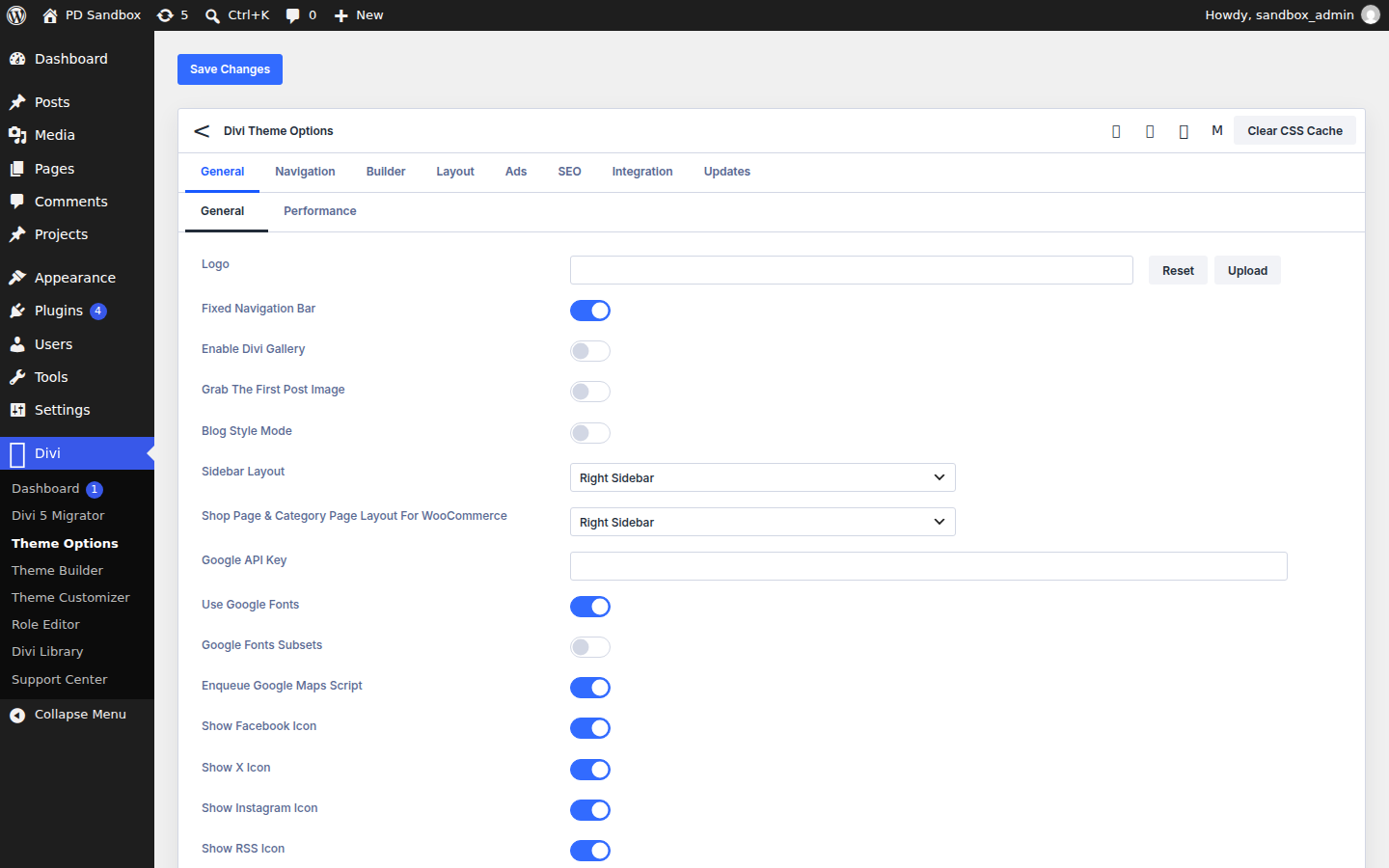
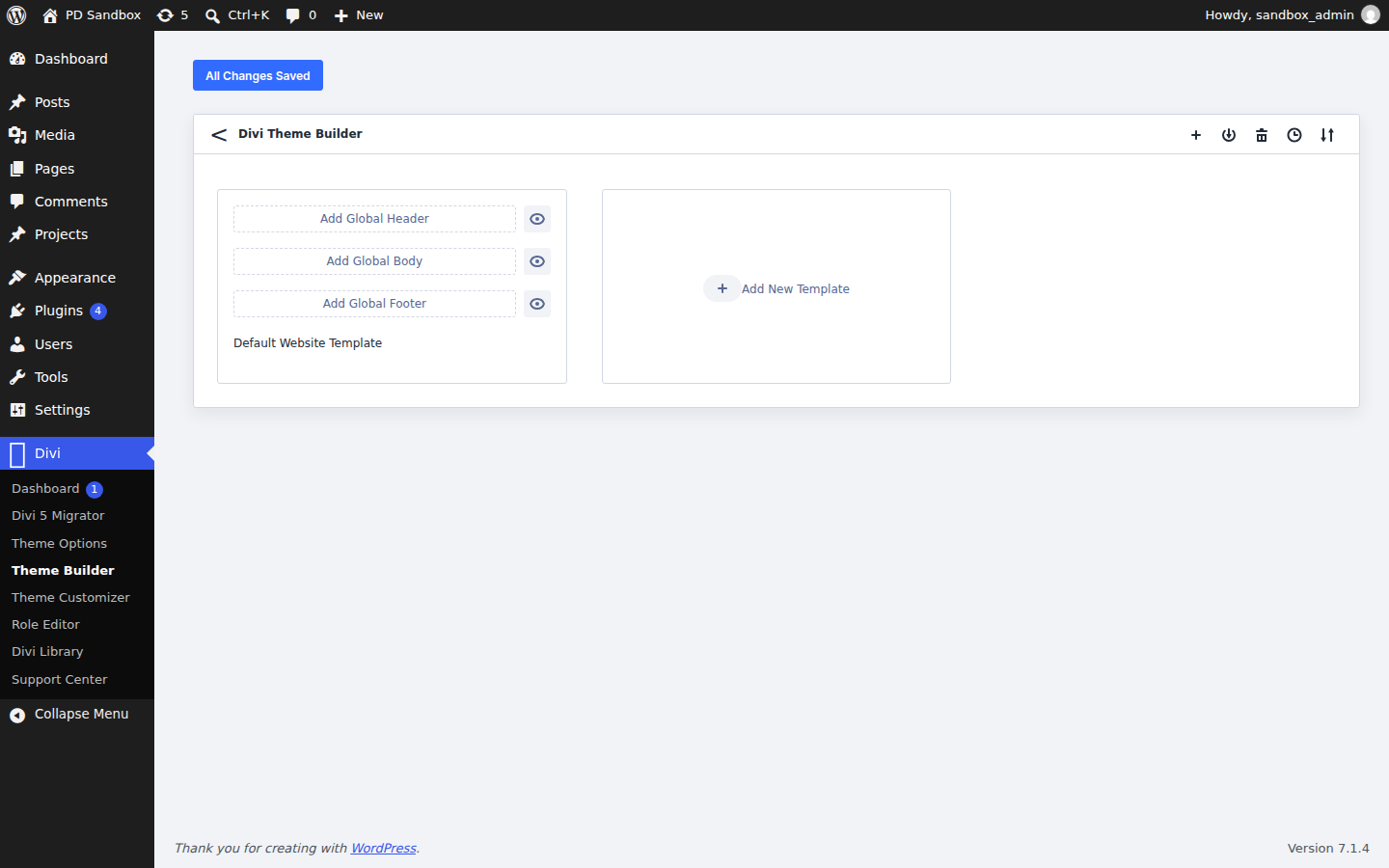
We ran an activation test of the Divi 5.19.0 theme on a clean WordPress 7.1.4 install (PHP 8.3, MariaDB) on November 5, 2026 — an install-and-activate check, not a full feature review. Activation was clean — no fatal errors, no notices — and a Divi menu appeared in the dashboard. The theme created no additional database tables and registered no extra cron events; the front page returned HTTP 200.
FAQ
Is Divi free?
No. Divi is sold through an Elegant Themes membership — yearly or lifetime — which covers unlimited sites and includes the Extra theme plus the Bloom and Monarch plugins.
Divi vs Avada: which is better?
Both are all-in-one ecosystems with proprietary builders. Divi's membership pricing wins for agencies building many sites; Avada's per-site license with lifetime updates and deeper options network wins for single flagship builds.
Divi vs Elementor Pro: which is better?
Divi is a theme and builder in one with true real-time front-end editing; Elementor Pro is a plugin that rides on any theme and has a free base version to learn with. Theme-plus-builder simplicity leans Divi; stack flexibility leans Elementor.
What is the Divi lock-in?
Layouts are stored in Divi's proprietary format — leaving the theme means rebuilding pages, which is the real cost of the ecosystem.
What is the difference between Divi 5 and Divi 4?
Divi 5 is a rebuilt, faster framework with the same visual editing philosophy — workflows and some third-party content from Divi 4 carry over with friction, so check module compatibility before migrating an old site. The archive here includes both Divi 5.19.0 and Divi 4.27.6, so existing Divi 4 sites can stay on the classic branch.
Is Divi good for WooCommerce?
Yes — dedicated WooCommerce modules style product pages, shop grids, cart and checkout with the same visual builder.
Are there ready-made designs?
Yes. A large library of premade layout packs covers full page sets for many industries, importable into any page.
How do I update Divi?
Without an active license, the theme is updated by replacing the theme files with the new package — layouts and settings live in the database and survive. Our manual update guide walks through it.