
Our take
The long-running heavyweight among premium themes, and the reason is obvious: a mature builder, a huge option network and demos for nearly any industry. The price of that flexibility is a learning curve — expect a day in the options panel before the site feels yours.
Good
- Own Fusion Builder with live visual editing
- Large library of importable pre-built websites
- Header, footer and layout builders included
- Deep WooCommerce integration
- Automatic updates and one-click patch tool
Watch out
- Option network takes time to learn
- Heavier than lean block themes
- Some features duplicate popular plugins
Works well with
- WooCommerce
- WPML
- Contact Form 7
- The Events Calendar
About this theme
Most business sites start with the same problem: the design you need exists only in your head, and coding it from scratch costs weeks. Avada attacks that problem with a complete website builder — an all-in-one WordPress theme that ships its own visual builder, a demo library covering nearly every industry and an options network deep enough to rebuild almost any layout without touching code. Version 7.16.4 is available for download on this page under the GPL license.
Pre-built websites for almost any niche
Avada’s demo importer is its fastest route to a finished site. Dozens of professionally designed, complete websites — agencies, restaurants, gyms, law firms, shops, portfolios — install with one click, including pages, images and settings. You replace the content rather than building the structure. A setup wizard walks through the basics, and a basic child theme is included so customizations survive updates.
Fusion Builder and the options network
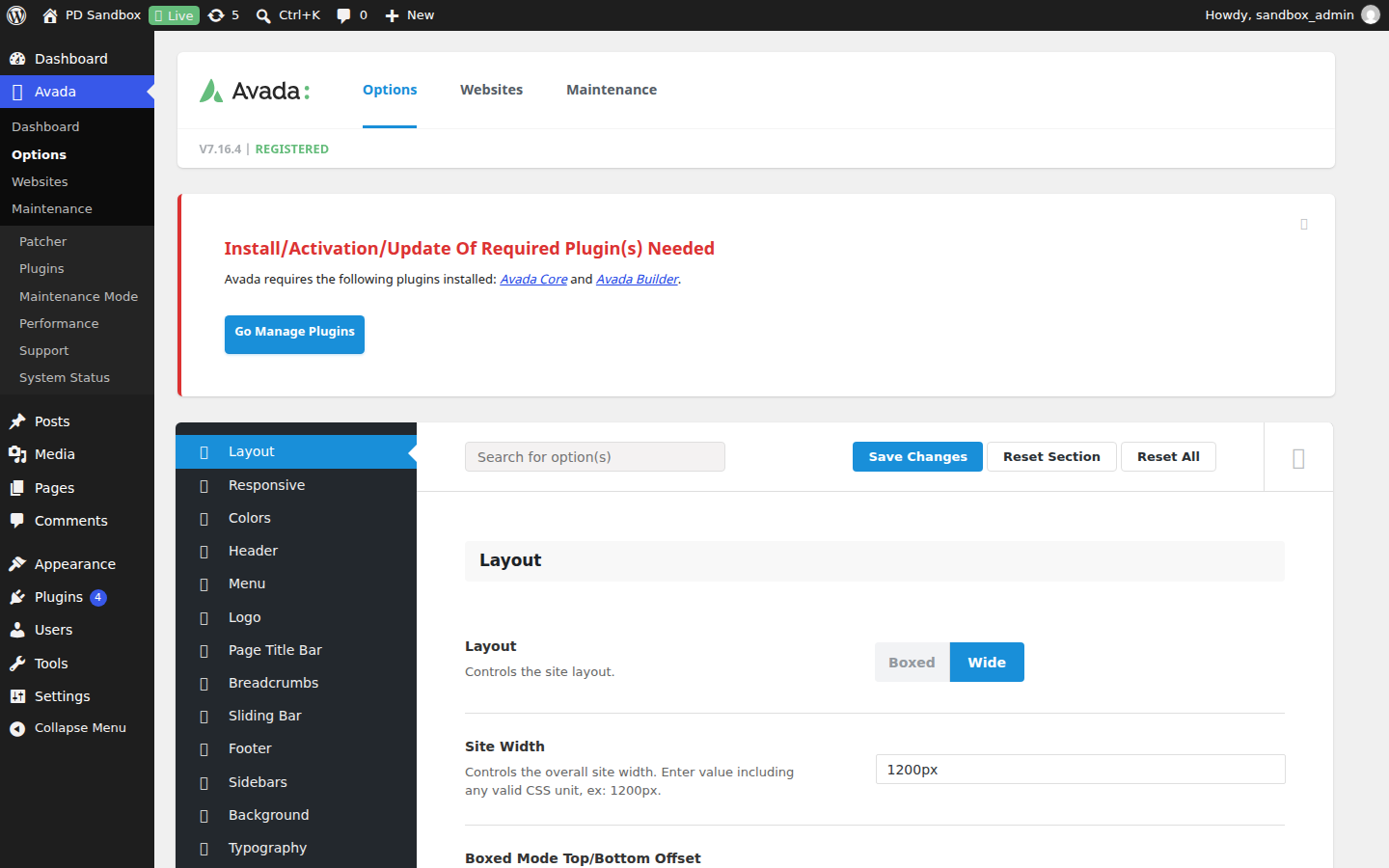
The bundled Fusion Builder edits pages visually with drag and drop: containers, columns and a large element library from sliders to pricing tables. Above it sit builders for headers, footers and reusable layout sections, plus form and off-canvas builders. Site-wide control lives in the global options panel — typography, colors, widths, sidebars and performance toggles — while individual pages can override any of it. Responsiveness is pixel-accurate and can even be disabled per element on desktop or mobile.
Performance and WooCommerce
Despite the feature count, Avada puts real work into speed: a PHP compiler merges styles into one generated file, JavaScript combines and minifies automatically, and a performance wizard helps disable what you do not use. For stores, the WooCommerce integration goes beyond compatibility — custom product layouts, shop designs and checkout styling are built in. Multisite is tested and approved, WPML support covers multilingual sites, and automatic updates with a one-click patch tool keep maintenance painless.
Avada free download: latest version
Avada 7.16.4 is available for download here under the GPL license. Upload it via Appearance → Themes → Add New → Upload Theme, activate, run the setup wizard and import the demo closest to your project.
We tested Avada 7.16.4
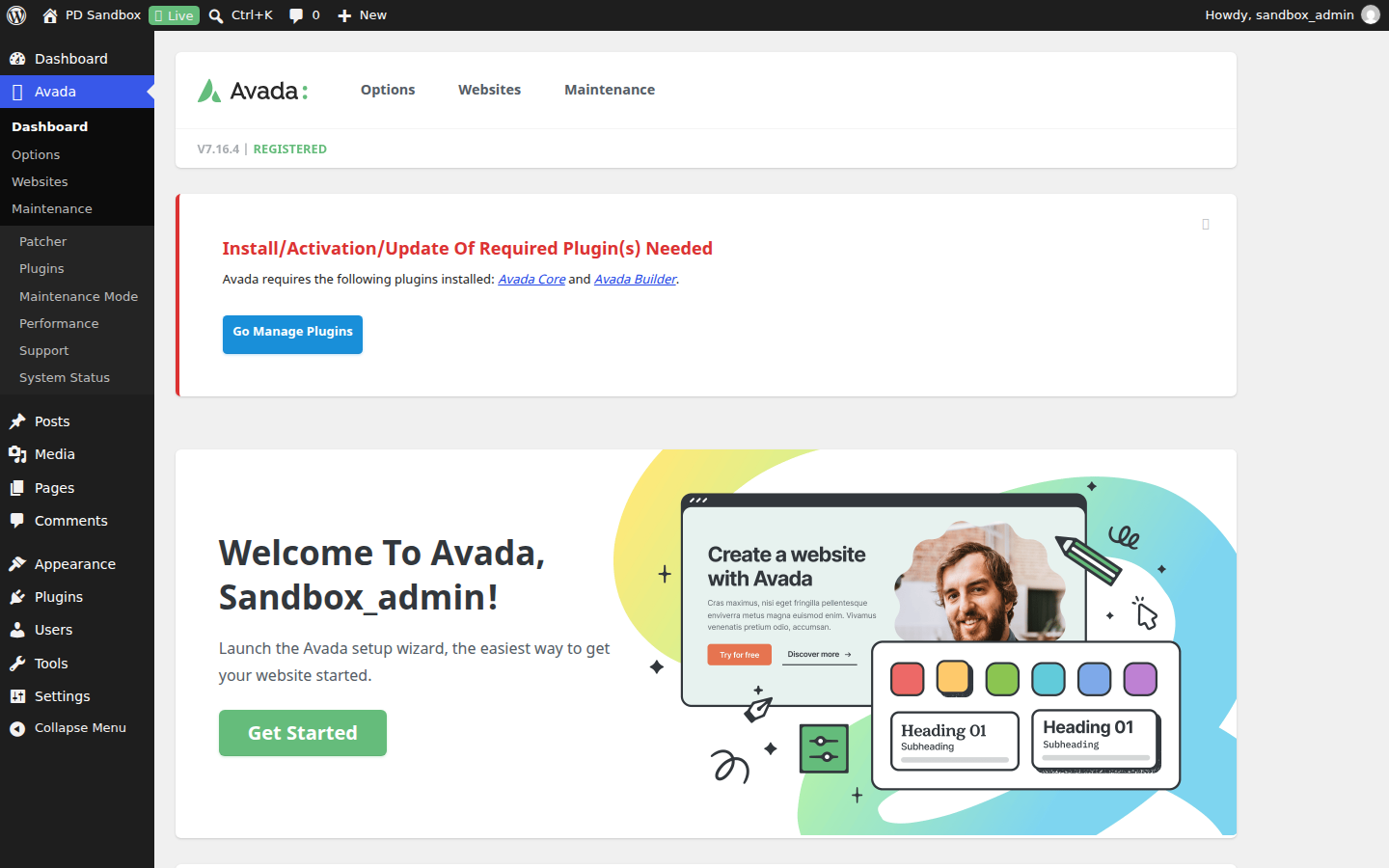
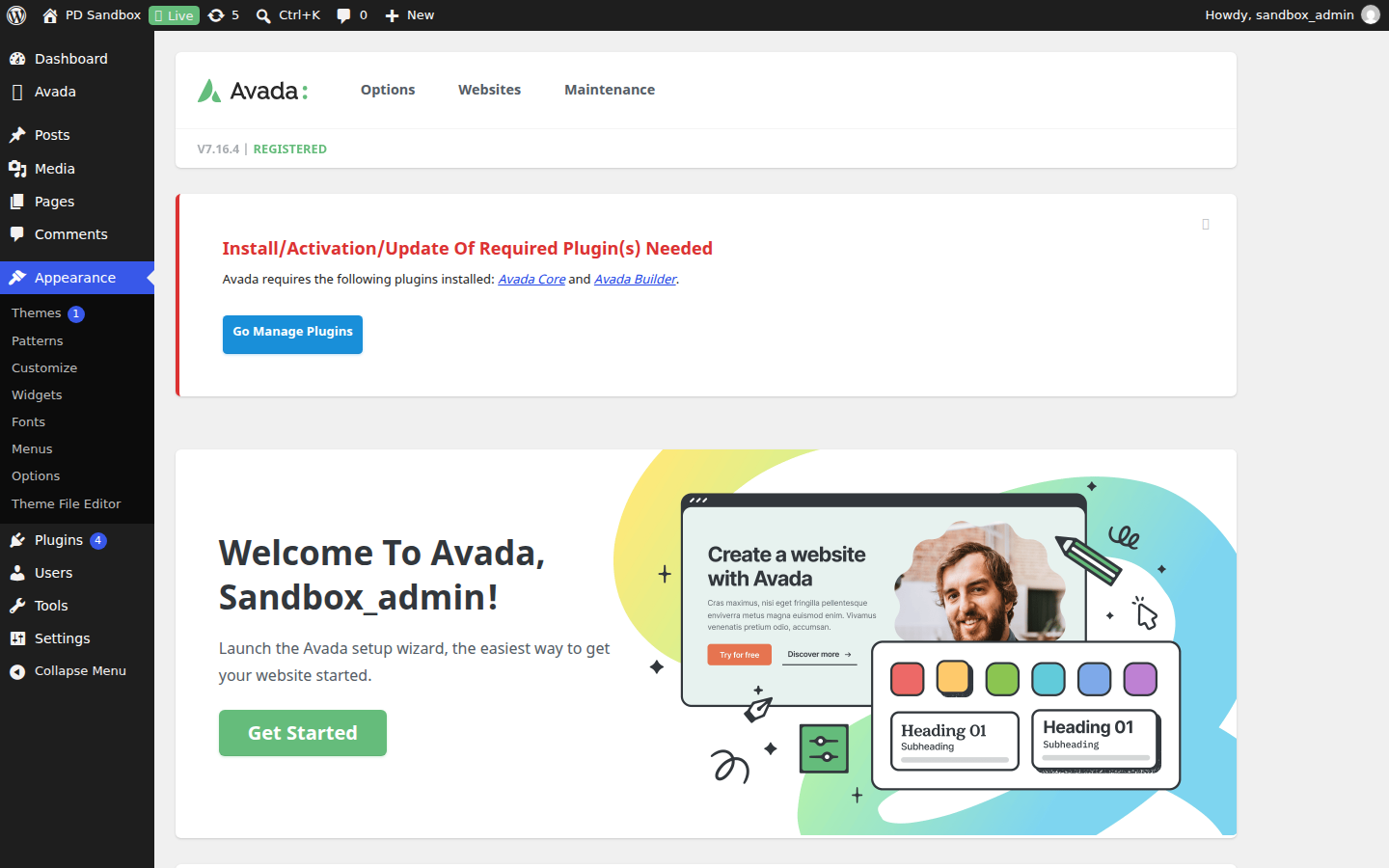
We ran an activation test of the Avada 7.16.4 theme on a clean WordPress 7.1.4 install (PHP 8.3, MariaDB) on November 5, 2026 — an install-and-activate check, not a full feature review. Activation completed cleanly — no fatal errors, no notices — and an Avada menu appeared in the dashboard. The theme created no additional database tables and registered no extra cron events; the front page returned HTTP 200.
FAQ
Is Avada free?
No. Avada is a premium theme with no free version — the license includes lifetime updates and six months of support from ThemeFusion.
Does Avada work without coding skills?
Yes. The visual builder, demo importer and global options cover layout, styling and content without code, and a setup wizard handles the first steps.
What builder does Avada use?
Its own Fusion Builder with live visual editing, plus dedicated header, footer and layout builders — the theme is a full design system.
Avada vs Divi: which is better?
Both are all-in-one ecosystems with proprietary builders. Divi's membership covers unlimited sites; Avada's per-site license includes lifetime updates and a deeper built-in options network. Agencies with many sites often lean Divi; single flagship sites lean Avada.
Avada vs BeTheme: which is better?
BeTheme's draw is breadth — hundreds of pre-built websites. Avada's is depth — one tightly integrated builder and options system. Demo hunters lean BeTheme; long-term customizers lean Avada.
Is Avada heavy?
Heavier than lean block themes, yes. The feature manager lets you disable unused elements, which closes much of the gap.
Why does Avada's demo import fail?
Usually server limits — PHP memory or execution time — or skipped required plugins. Check Avada's system status page first; it flags exactly what is below requirements.
How do I update Avada?
Without an active license the built-in auto-updater is not available, so the theme is updated by replacing the theme files with the new package — settings and content live in the database and survive. Our manual update guide walks through the safe procedure.