
WPForms Lite
Our take
WPForms Lite is the easiest way to build a good-looking contact form without touching code. The catch is that many features you see advertised, such as conditional logic, file uploads, multi-page forms and viewing entries in the dashboard, belong to the paid version. For a straightforward contact form it is excellent; if you need saved entries for free, look at Fluent Forms.
Good
- Very easy drag-and-drop builder
- Large library of templates
- Built-in spam protection
- Stripe, Square and PayPal payments
Watch out
- Entries can only be viewed in the paid version
- Conditional logic and file uploads are paid
- Lots of upgrade prompts
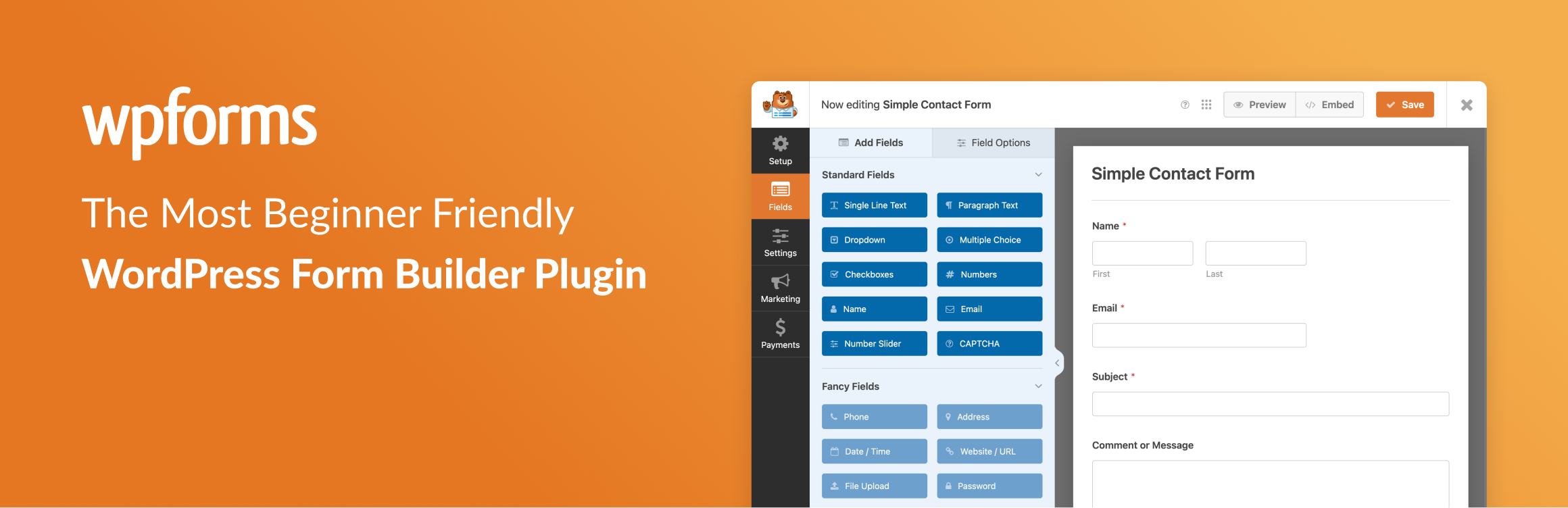
WPForms Lite is the free edition of one of the most popular form builders for WordPress. You pick a template or start blank, drag fields such as name, email, dropdown or checkboxes into place, and embed the finished form with a block or a shortcode. Notifications go to your email as soon as someone submits.
Forms are responsive and work on any theme. The free version also includes simple payment forms, so you can collect a fee or donation without a separate shop plugin.
What you get for free
- Drag-and-drop form builder
- Form templates for common uses
- Email notifications and confirmation messages
- Spam protection with a hidden token, plus CAPTCHA options
- Payment fields for Stripe, Square and PayPal
- Block and shortcode for embedding
WPForms Pro adds conditional logic, file uploads, multi-page forms, entry management and marketing integrations.
Install from your dashboard
In WordPress, go to Plugins, then Add New. Search for “WPForms Lite” and click Install, then Activate.
Install from the zip file
Download the zip on this page. In WordPress, go to Plugins, then Add New, then Upload Plugin. Choose the file, click Install Now, then Activate.
Requires WordPress 5.5 and PHP 7.2 or newer.