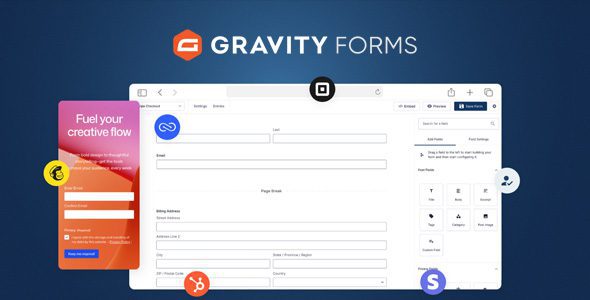
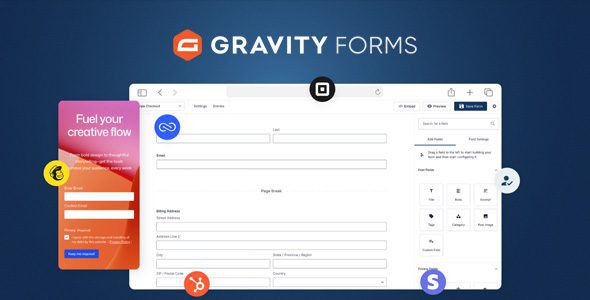
Gravity Forms
Our take
The forms plugin agencies standardize on: WCAG-compliant output, an enormous addon ecosystem, and webhooks for everything else. Priced and built for professional use. Simple contact forms can live on lighter plugins, but complex workflows end up here.
Good
- Mature conditional logic and calculations
- Digital signatures and file uploads
- Payments, coupons and user registration
- Webhooks for custom integrations
- Accessible, WCAG 2.0 AA compliant forms
Watch out
- No official free tier
- Best addons sit in higher license tiers
- Form styling needs CSS or extra addons
Works well with
- WooCommerce
- Mailchimp
- Stripe
- PayPal
- Zapier
- Akismet Anti-Spam
Gravity Forms has been the professional answer to WordPress forms for over a decade — the plugin agencies install when a contact form has to become a quote calculator, a registration flow or a payment page without custom development. The longevity shows: the feature list covers workflows most form plugins never reach.
Gravity Forms 3.2.2 with addons is available for download on this page under the GPL license.
Key features of Gravity Forms
- Serious form logic. Conditional fields, chained selects with cascading dropdowns, calculations and multi-page forms — responsive and WCAG 2.0 AA compliant out of the box.
- Beyond data collection. Digital signatures for contracts, file uploads straight to your server, discount codes on payment forms, and user registration journeys that gather data, take payment and create the account.
- Integrations without limits. A template library for fast starts, a vast official addon ecosystem, and webhooks for any API or automation platform that isn’t covered.
- Spam defense. Google reCAPTCHA v2 and v3 support keeps bots out of your entries.
Who it suits
Agencies building client workflows, businesses replacing paper forms with signed digital ones, membership and event sites collecting paid registrations. If your form needs to do something — not just send an email — Gravity Forms is the safe bet.
Gravity Forms free download: latest version
Gravity Forms 3.2.2 plus addons is available for download here under the GPL license. Upload via Plugins → Add New → Upload Plugin, activate, and start from a template library form.
We tested Gravity Forms 3.2.2
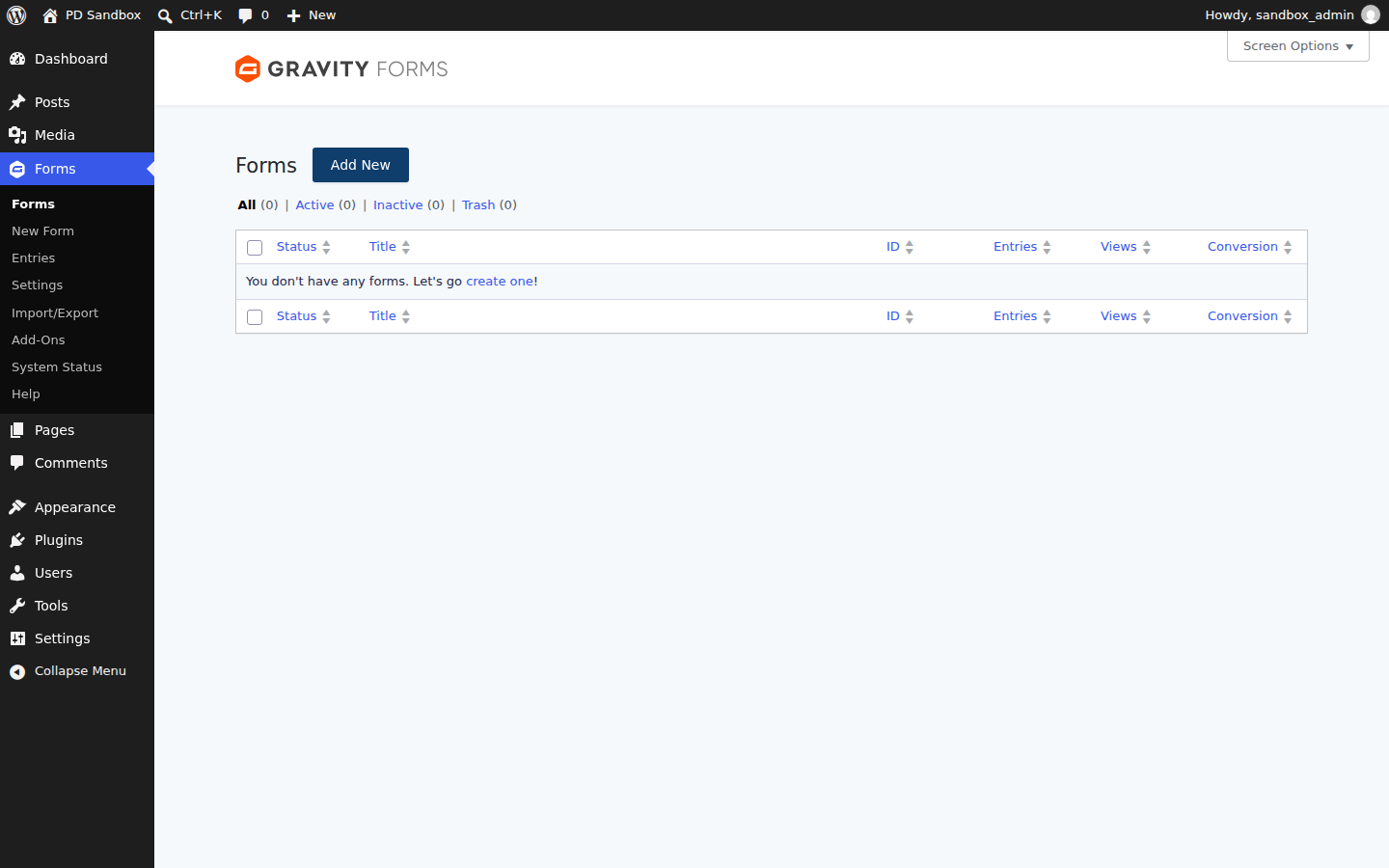
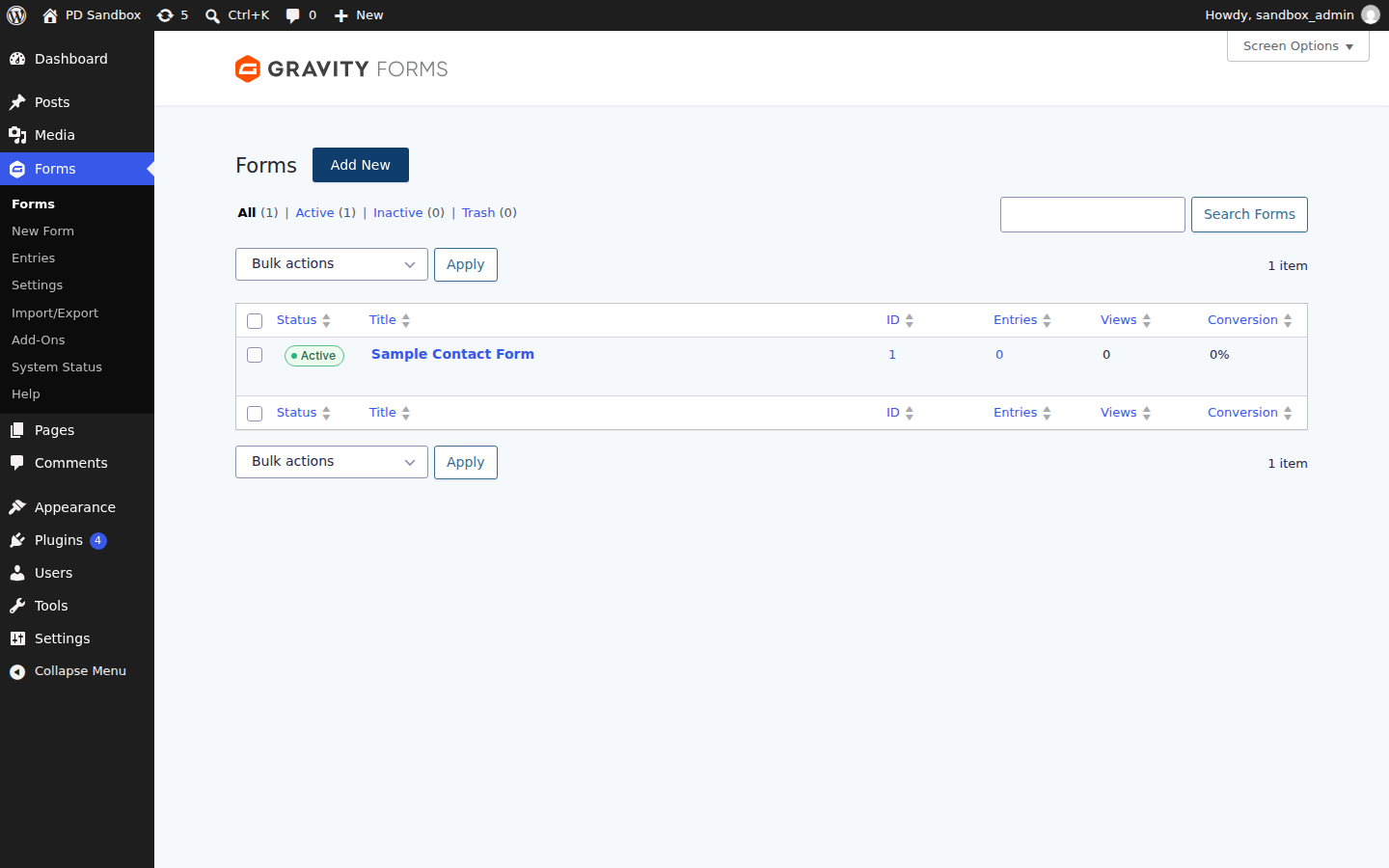
We ran an activation test of Gravity Forms 3.2.2 on a clean WordPress 7.1.4 install (PHP 8.3, MariaDB) on November 5, 2026 — an install-and-activate check, not a full feature review. Activation completed without fatal errors or warnings. The plugin scheduled 4 new cron events for its background processing, created no additional database tables on a stock install, and the front page returned HTTP 200.
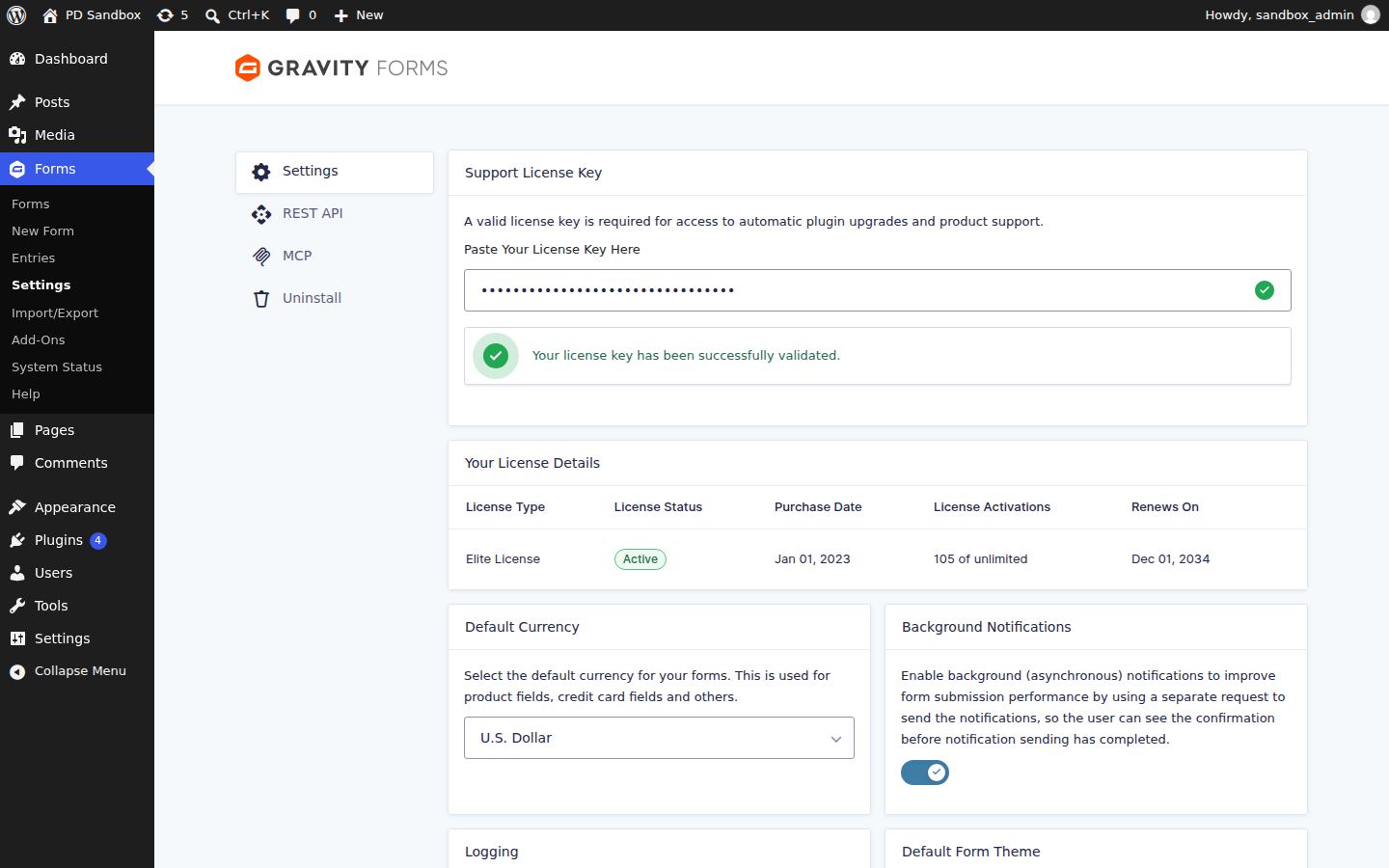
Install from the zip file
Download the zip on this page. In WordPress, go to Plugins, then Add New, then Upload Plugin. Choose the file, click Install Now, then Activate. Stuck? See our step-by-step guide to installing a plugin from a ZIP.
Is there a free version of Gravity Forms?
No. Gravity Forms is a commercial-only plugin with no free tier on the WordPress directory — every install starts from the full form builder rather than an upgrade path.
Are the forms accessible for screen reader users?
Yes. The plugin ships with everything needed to build WCAG 2.0 AA-compliant forms, and the markup is responsive across devices by default — still a genuine differentiator among form plugins.
What stops spam submissions?
Several layers: an anti-spam honeypot, Akismet integration and Google reCAPTCHA v2 and v3 support. Most sites combine the honeypot with reCAPTCHA v3 for invisible protection.
Can a form take payments or register users?
Yes. Payment processor integrations — Stripe, Square and Mollie among them — turn forms into order forms with optional discount codes, and the user registration journey can collect data, process payment and create the account in one flow.
How do I connect a form to a service that has no addon?
Through webhooks or the REST API: submissions can post to any endpoint, and developers get 500+ hooks plus an add-on framework for custom actions that run automatically on submit.
Gravity Forms vs Fluent Forms: which is better?
Gravity Forms wins on depth and ecosystem: a decade of addons, 500+ hooks, digital signatures and enterprise-grade workflows. Fluent Forms is the faster, more modern interface with a generous free version and lower pricing. Agencies with complex client workflows stay with Gravity Forms; straightforward business forms are often quicker and cheaper in Fluent Forms.
What are the best Gravity Forms alternatives?
Fluent Forms is the strongest modern rival, with a capable free tier. WPForms is the beginner-friendly option with a huge template library. Formidable Forms targets data-driven applications like directories and calculators. Contact Form 7 remains the minimal free choice for simple contact forms.
Why are my Gravity Forms emails not arriving?
The form almost always works — the failure is WordPress mail deliverability. Notifications go through the server's default mail function, which spam filters distrust. Route site mail through a dedicated SMTP plugin such as FluentSMTP with a real mail provider, and check the Entries screen: if the entry exists, the form captured the data and only the email failed.