
Fluent Forms
Our take
Fluent Forms gives away features that other form builders charge for: conditional logic, conversational forms and saved, exportable entries are all free. It is also one of the lightest form plugins in terms of page weight. Multi-step forms, calculations and most third-party integrations need Pro, but for contact and lead forms the free version is hard to beat.
Good
- Entries saved in the dashboard and exportable for free
- Conditional logic in the free version
- Very light on the front end
- Imports forms from WPForms, Contact Form 7 and others
Watch out
- Multi-step forms and calculations are Pro
- Most marketing integrations are Pro
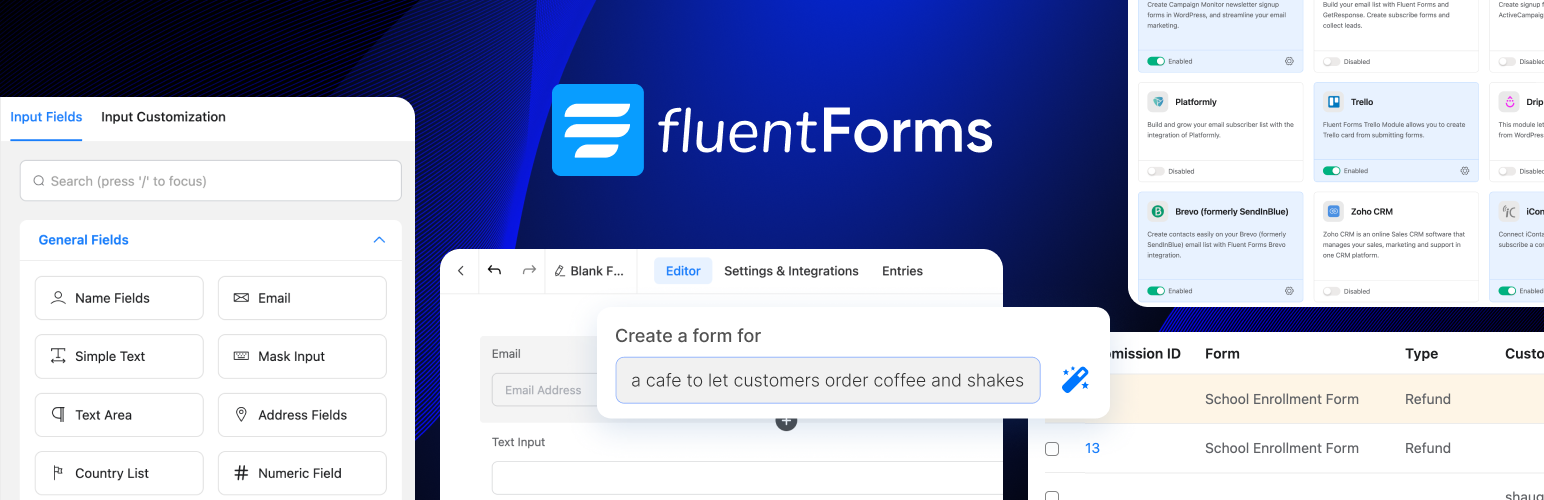
Fluent Forms is a drag-and-drop form builder for anything from a simple contact form to a survey or a payment form. You add fields to a canvas, arrange them in columns, set rules for what appears when, and embed the form with a block or shortcode. A standard form adds very little CSS and JavaScript to the page.
Free features that stand out
- Conditional logic to show or hide fields
- Conversational forms that ask one question at a time
- Entries saved in the dashboard, with filters and export
- Spam protection with reCAPTCHA, hCaptcha and more
- Form scheduling and submission limits
- AI form builder and reusable templates
- Migration from WPForms, Contact Form 7, Gravity Forms and Ninja Forms
Free vs Pro
Fluent Forms Pro adds multi-step forms, numeric calculations, quizzes, more field types, user registration and a long list of marketing and CRM integrations.
Install from your dashboard
In WordPress, go to Plugins, then Add New. Search for “Fluent Forms” and click Install, then Activate.
Install from the zip file
Download the zip on this page. In WordPress, go to Plugins, then Add New, then Upload Plugin. Choose the file, click Install Now, then Activate.
Requires WordPress 6.4 and PHP 7.4 or newer.
Does Fluent Forms save form submissions?
Yes. Entries are stored in your dashboard in the free version and can be filtered and exported to CSV, Excel or JSON.
Can I move my forms from Contact Form 7 or WPForms?
Yes. Fluent Forms has a built-in migration tool for several popular form plugins.