

WP Rocket
Our take
The speed plugin for people who do not want to become speed experts: activate it and most of the sensible defaults are already on. eCommerce-aware and multilingual-friendly. If you enjoy hand-tuning every knob, more granular tools exist — WP Rocket sells simplicity.
Good
- Sensible defaults, works on activation
- Cache and sitemap preloading
- Lazy load plus JS defer and minification
- Database optimization built in
- Cloudflare and CDN compatible
Watch out
- No free tier
- Image optimization needs a companion tool
- Advanced exclusions require some testing
Works well with
- WooCommerce
- Elementor
- WPML
- Cloudflare
- Yoast SEO
Speed plugins usually punish you for not being a performance engineer: forty toggles, cryptic warnings, and a broken site if you guess wrong. WP Rocket earned its reputation by inverting that — this WordPress caching plugin applies the sensible 80% of optimization the moment you activate it, and lets you refine the rest when you feel like it.
WP Rocket 3.24.0 is available for download on this page under the GPL license.
Key features of WP Rocket
- Page caching and preloading. Static HTML serves instantly; the cache and sitemap preloader warm pages before visitors arrive, so nobody waits for a cold render.
- Front-end optimization. Minification and concatenation, deferred JavaScript loading, removed query strings, and lazy loading for images and media.
- Resource hygiene. GZIP compression, browser caching rules, Google Fonts optimization and database cleanup keep both transfer size and backend lean.
- Integration layer. Cloudflare compatibility, CDN support, DNS prefetching, mobile detection and multisite support cover real-world hosting setups.
- Store-safe. eCommerce friendly out of the box — dynamic pages like cart and checkout are excluded automatically; multilingual and connected-user caching are handled too.
Who WP Rocket suits
Site owners who want a better PageSpeed score without a weekend of research, agencies that need a repeatable “install and it’s faster” step for client handovers, and WooCommerce stores that can’t risk a mis-cached checkout. Import/export of settings makes cloning a proven configuration across projects trivial.
WP Rocket free download: latest version
WP Rocket 3.24.0 is available for download here under the GPL license. Upload via Plugins → Add New → Upload Plugin, activate, and the caching layer starts working immediately.
We tested WP Rocket 3.24
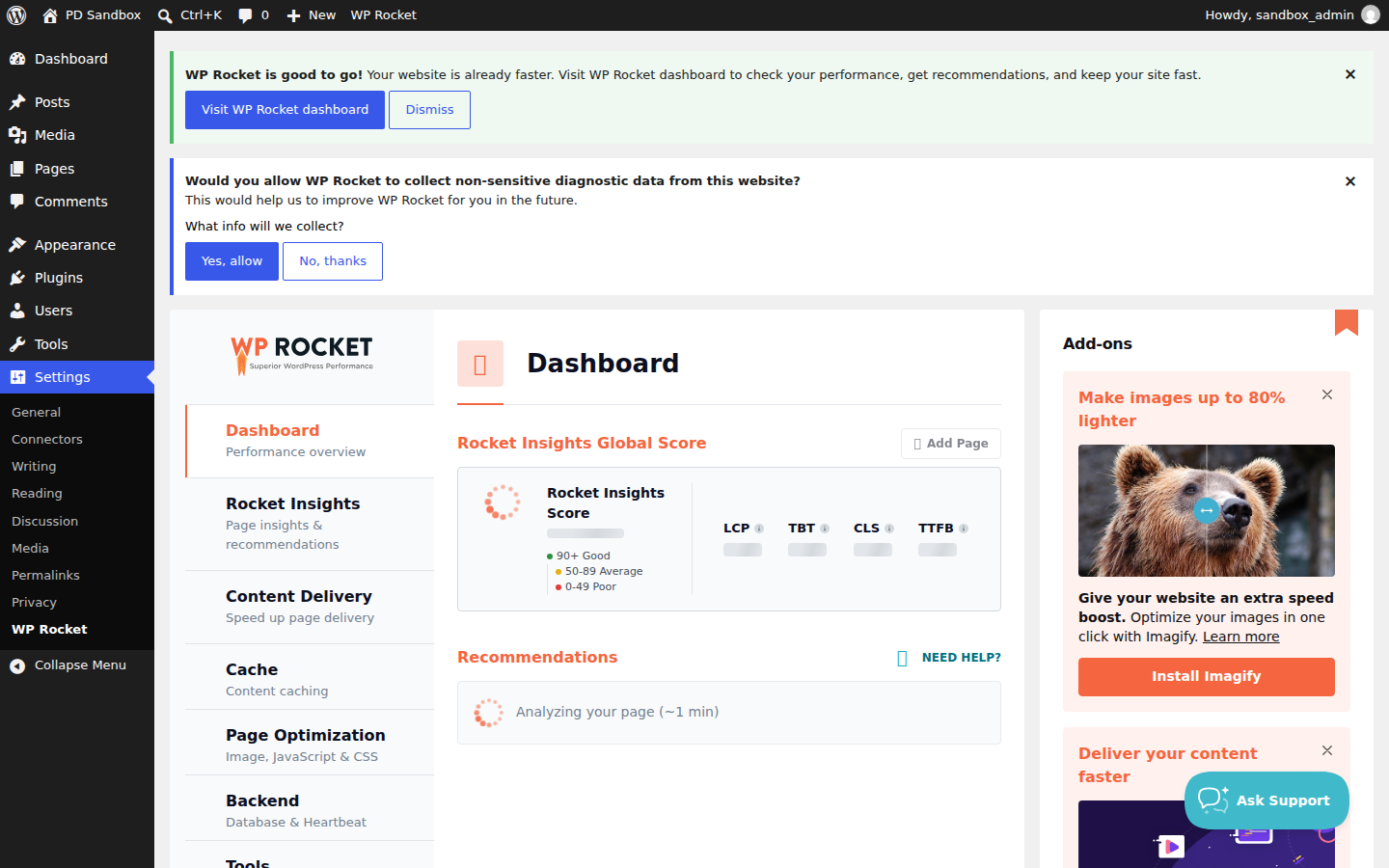
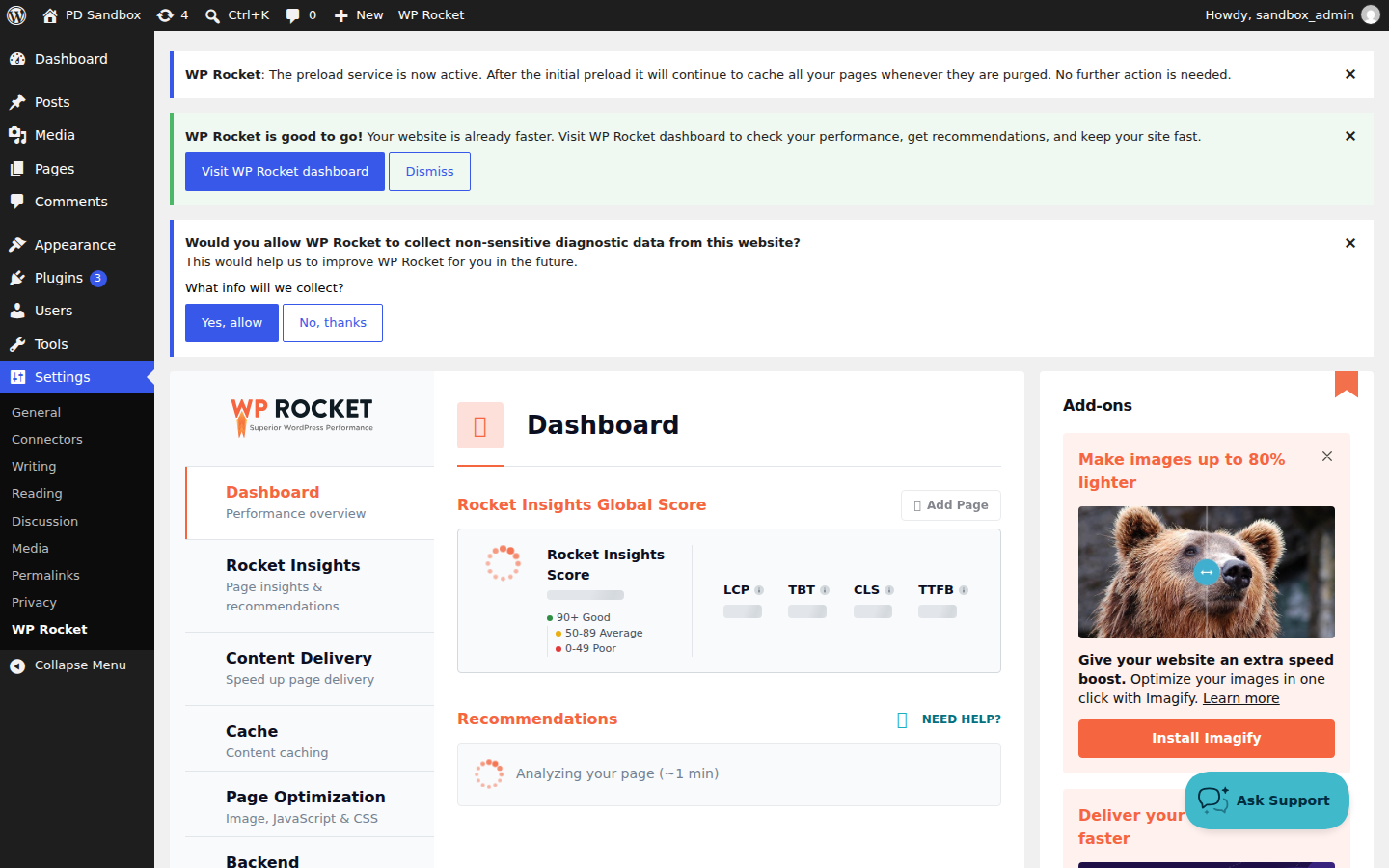
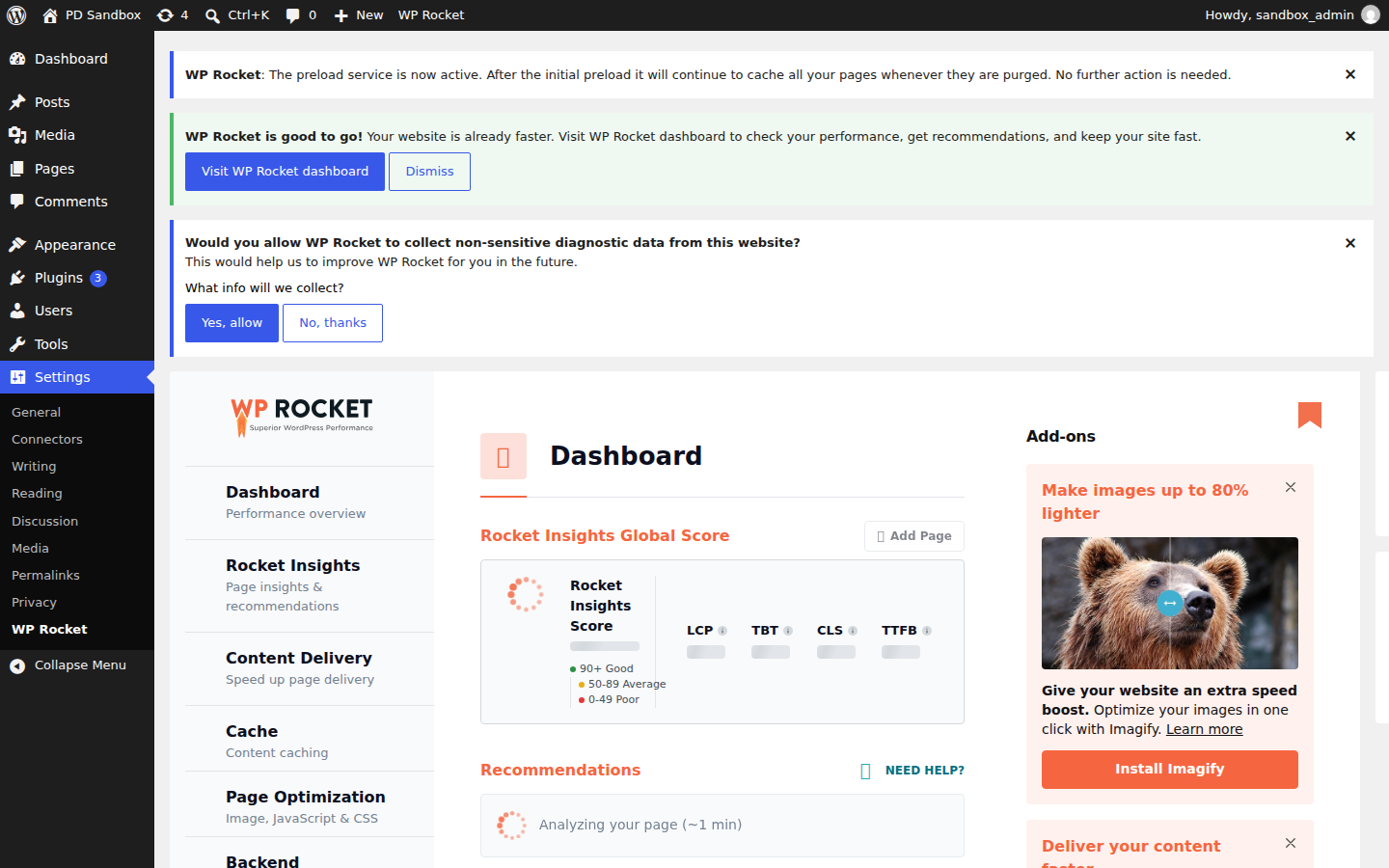
We ran an activation test of WP Rocket 3.24 on a clean WordPress 7.1.4 install (PHP 8.3, MariaDB) on November 5, 2026 — an install-and-activate check, not a full feature review. Activation completed with no fatal errors and no warnings logged. The plugin created 12 database tables for its cache and optimization data and scheduled 16 new cron events for preloading and background cleanup; its settings live under Settings → WP Rocket rather than a top-level menu. The front page continued to return HTTP 200 throughout.
Install from the zip file
Download the zip on this page. In WordPress, go to Plugins, then Add New, then Upload Plugin. Choose the file, click Install Now, then Activate. Stuck? See our step-by-step guide to installing a plugin from a ZIP.
Do I need to configure anything after activation?
Not to see results. The plugin applies its recommended defaults — page caching, browser caching, GZIP — the moment it activates, and the finer toggles for minification, deferred JavaScript and lazy load can be tested later, one at a time.
Is WP Rocket compatible with WordPress multisite?
Yes, multisite compatibility is built in. Settings can also be exported and imported, which makes replicating a proven configuration across network sites or client projects a minute's work.
Will caching interfere with WooCommerce?
No. The plugin is eCommerce aware: cart, checkout and account pages are excluded from caching automatically, so dynamic store pages stay live while the rest of the catalog serves from cache. Connected-user caching and multilingual setups are handled too.
Does it replace an image optimization plugin?
No. WP Rocket lazy-loads images and media but does not compress or convert them — pair it with a dedicated image tool if you need WebP conversion and compression.
Can it work with Cloudflare or another CDN?
Yes. Cloudflare compatibility and CDN integration are included out of the box, along with DNS prefetching for third-party assets like fonts and analytics scripts.
Is WP Rocket free?
No. WP Rocket is a commercial plugin with no free tier — the license is what funds the support and compatibility testing it is known for. Free caching plugins exist, but none match its out-of-the-box setup.
WP Rocket vs LiteSpeed Cache: which one should I pick?
If your host runs LiteSpeed servers, LiteSpeed Cache is genuinely excellent and free, with server-level caching WP Rocket cannot match there. On any other hosting stack, WP Rocket is the safer choice: it works identically everywhere, needs almost no configuration, and covers the non-caching optimizations — lazy load, deferred JavaScript, database cleanup — in the same plugin.
What are the best WP Rocket alternatives?
LiteSpeed Cache is the strongest free option on LiteSpeed hosting. WP Super Cache covers simple static caching from the makers of WordPress.com. FlyingPress is the closest commercial rival, with a similarly minimal interface. Autoptimize pairs well with a basic cache when file optimization is the main need.