
TheDock Media
Our take
Most image optimizers send your files to their cloud and limit how many you can compress for free. TheDock Media does the work on your own server with no quota, and its Server screen tells you honestly which formats your hosting supports. On a small server, bulk-optimizing a large library takes time, which is where the paid cloud option helps.
Good
- Free with no monthly limit or account
- WebP and AVIF when your server supports them
- Optimizes the existing library in the background
- Clear report of what your server can do
Watch out
- Formats depend on your server's image library
- Bulk work uses your server's resources
- Video optimization needs the paid cloud plan
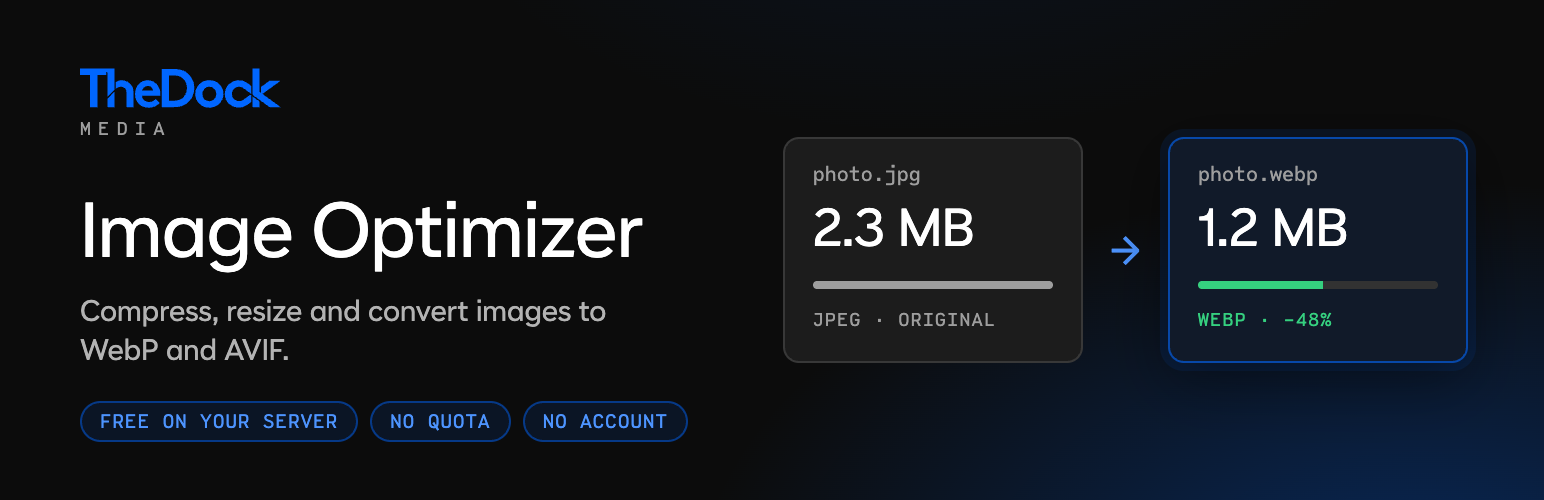
Large photos are one of the most common reasons a WordPress site loads slowly. TheDock Media shrinks them as you upload: it scales down images that are bigger than your site ever displays, compresses them at the level you choose and saves them as WebP or AVIF when your server can produce those formats.
For images already in your media library, a dedicated screen finds the heaviest files and optimizes them one by one in the background. Because the plugin uses WordPress’s own image functions, file names and sizes stay exactly as WordPress expects, so themes, page builders and backups keep working.
Main features
- Automatic optimization of new uploads
- WebP and AVIF output, JPEG as a fallback
- Compression presets or your own quality value
- Bulk optimization of the existing library
- Optional removal of the original when the optimized file is smaller
- Server check with a WebP and AVIF speed test
An optional paid cloud service moves the work off your server and adds video optimization. The free plugin makes no outside requests unless you connect it.
Install from your dashboard
In WordPress, go to Plugins, then Add New. Search for “TheDock Media” and click Install, then Activate.
Install from the zip file
Download the zip on this page. In WordPress, go to Plugins, then Add New, then Upload Plugin. Choose the file, click Install Now, then Activate.
Requires WordPress 6.7 and PHP 7.4 or newer.