Nextend Social Login Pro
Our take
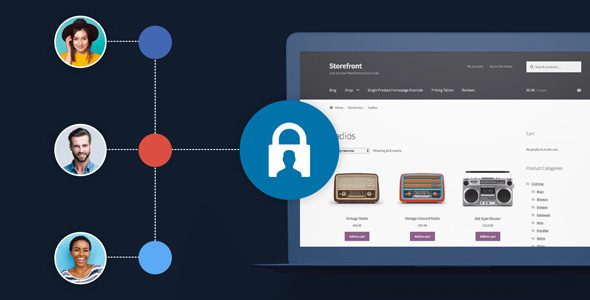
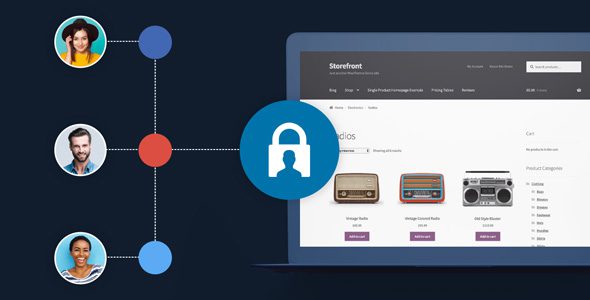
Every password form leaks registrations; social login plugs the leak. Nextend is the established choice — clean provider setup, account linking, and Pro touches like requesting missing emails and assigning user roles by provider.
Good
- One-click login with major social providers
- Link social accounts to existing users
- WooCommerce checkout integration
- Works with WordPress comments
- User roles and provider-based settings
Watch out
- Provider apps need setup at each network
- Some providers restrict email access
- Design needs styling to match theme
Works well with
- WooCommerce
- Google account
- X (Twitter)
Registration forms are where visitors bounce: another password, another confirmation email, another abandoned signup. Nextend Social Login Pro replaces that friction with one click — visitors log in through the social account they already trust. Version 3.1.27 is available for download on this page under the GPL license, with the provider connectors included.
Login that removes friction
Visitors register and log in with their favorite social accounts, and existing users link social profiles to their current account — no duplicate users, no lost order history. When a provider does not return an email or username, the plugin requests it gracefully instead of failing the signup. Login layout and style options adapt the buttons to the theme, and everything is translatable.
Integrated where accounts matter
WooCommerce support puts social login on the checkout and account pages — the highest-value friction point on any store. WordPress comment integration lets visitors comment through their social identity, boosting discussion without moderation chaos. User role assignment handles memberships: map registrants to the right role, with per-provider settings for fine control.
Who it suits
WooCommerce stores losing checkouts to registration, membership and community sites where signup friction kills growth, publishers who want more comments, and any WordPress site where a simpler login means more accounts.
Nextend Social Login Pro free download: latest version
Nextend Social Login Pro 3.1.27 is available for download here under the GPL license. Upload via Plugins → Add New → Upload Plugin, activate, configure your first provider app and place the login buttons.
Install from the zip file
Download the zip on this page. In WordPress, go to Plugins, then Add New, then Upload Plugin. Choose the file, click Install Now, then Activate. Stuck? See our step-by-step guide to installing a plugin from a ZIP.
How do visitors log in with it?
With one click through their social account — the plugin handles registration and login without a password form, which measurably lifts signup completion.
Can users link social accounts to existing profiles?
Yes. Existing users link providers to their current profile, preserving order history and settings — the social account becomes another key to the same door.
Does it work with WooCommerce checkout?
Yes. Login buttons appear at checkout and account pages, and it integrates with WordPress comments and user roles as well.
Is Nextend Social Login free?
A free version exists on the WordPress directory covering the major providers. Pro adds the WooCommerce checkout integration, additional providers and the role-based settings.
Nextend Social Login vs Social Login for WooCommerce: which is better?
SkyVerge's Social Login for WooCommerce is the store-native option, built around the WooCommerce account flow. Nextend covers general WordPress login broadly, with a strong free tier. Store-first sites lean SkyVerge; general membership and community sites lean Nextend.
Why does a provider reject my app setup?
Each network requires its own developer app with correct redirect URLs and approved permissions — and some restrict email access until the app passes review. Follow the plugin's per-provider setup guide exactly; ninety percent of failures are a wrong redirect URL.