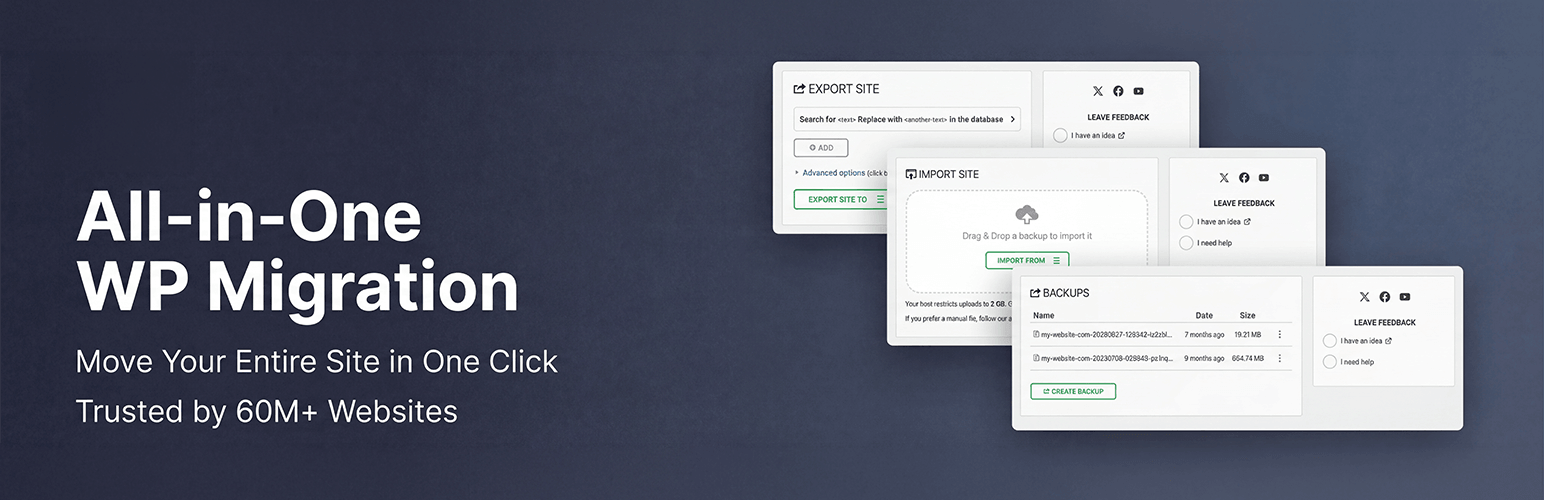

All-in-One WP Migration
Our take
All-in-One WP Migration is about as simple as moving WordPress gets: export a single file on the old site, import it on the new one. The free export has no size limit, but importing is limited by your new host's upload limit. For large sites you will either need the paid extension or a host with a high upload limit.
Good
- Very simple export and import
- No size limit on exports
- Works between MySQL, MariaDB and SQLite
Watch out
- Imports are capped by the host's upload limit
- One-click restore from the backups list is paid
- Uses its own .wpress file format
All-in-One WP Migration packs your database, media, plugins and themes into one file with the .wpress extension. On the destination site you install the same plugin, upload that file on the Import screen and the site appears there, with links updated to the new address.
Backups and restores
The same export works as a full backup. To restore in the free version, download the backup and import it again. Your hosting company decides how large an upload can be, so very big backups may not go through. The paid Unlimited Extension removes that limit and adds one-click restore from the Backups page.
Main features
- One-file export of an entire site
- Find and replace of the domain during export
- Memory-friendly processing for shared hosting
- Moves between MySQL, MariaDB and SQLite databases
Install from your dashboard
In WordPress, go to Plugins, then Add New. Search for “All-in-One WP Migration” and click Install, then Activate.
Install from the zip file
Download the zip on this page. In WordPress, go to Plugins, then Add New, then Upload Plugin. Choose the file, click Install Now, then Activate.
Requires WordPress 3.3 and PHP 5.3 or newer.
Why does All-in-One WP Migration say my file is too big to import?
The import goes through your host's maximum upload size. Increase it with your host, or use the paid Unlimited Extension.
Can I use the .wpress file with other tools?
Not directly. The format belongs to this plugin, so keep the plugin available on the site you restore to.