Duplicator
Our take
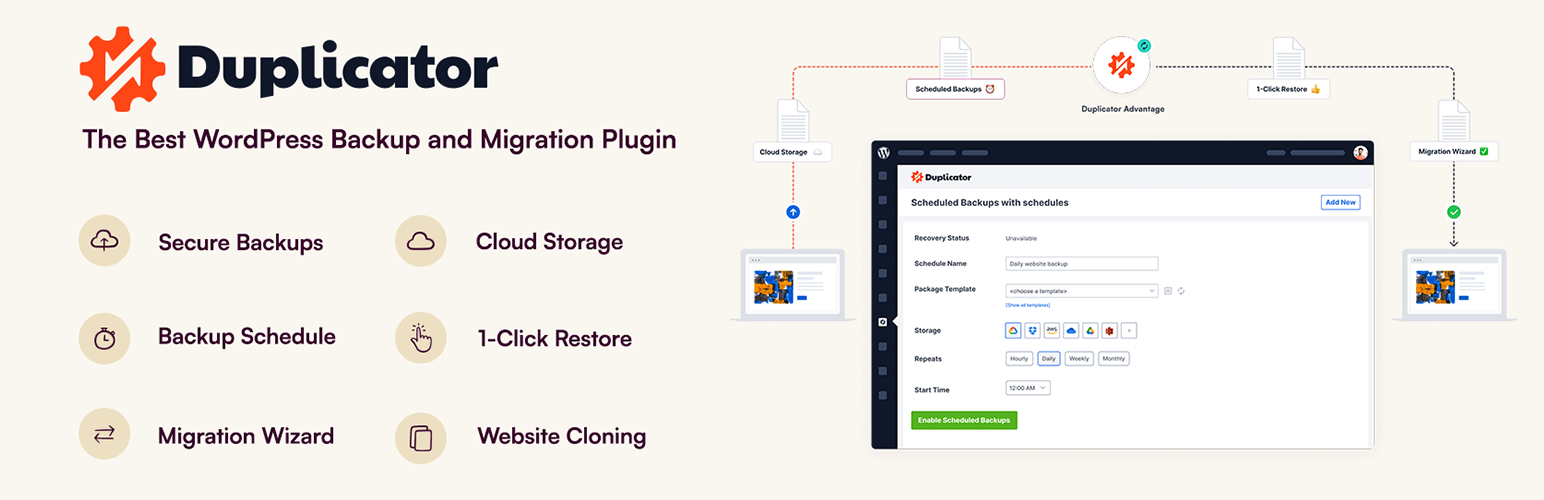
Duplicator is a favorite for moving WordPress sites: you build one package, upload it with the installer to the new server and the wizard does the rest, even on a server without WordPress installed. The free version handles full backups and migrations. Scheduled backups and multisite support come with Pro.
Good
- Moves sites between hosts and domains
- Installer works on an empty server
- Handles large sites in small steps
- Free version is not size-limited
Watch out
- Scheduled backups are Pro
- The installer step takes some getting used to
Duplicator bundles all of a WordPress site, including files, plugins, themes, media and the database, into a single archive, along with an installer script. That package works as a backup, and it is also the easiest way to move a site to a new host, change its domain or make a copy for testing.
How a migration works
Build a backup on the current site and download the archive and installer. Upload both to the new location and open the installer in your browser. It creates the database tables, replaces the old domain in the content and finishes the setup, so WordPress doesn’t even need to be installed there first.
Main features
- Full site backups of any size, processed in chunks
- Migration and cloning between hosts and domains
- Installer that works on an empty server
- Several archive engines to suit different servers
Duplicator Pro adds scheduled backups, more cloud storage options, multisite support and staging sites.
Install from your dashboard
In WordPress, go to Plugins, then Add New. Search for “Duplicator” and click Install, then Activate.
Install from the zip file
Download the zip on this page. In WordPress, go to Plugins, then Add New, then Upload Plugin. Choose the file, click Install Now, then Activate.
Requires WordPress 5.3 and PHP 7.4 or newer.
How do I move a WordPress site to a new host with Duplicator?
Create a backup on the old site, download the archive and installer, upload both to the new server and open the installer in your browser. The wizard sets up the database and updates the site address.
Can Duplicator back up my site automatically?
Scheduled backups are part of Duplicator Pro. In the free version you start backups yourself.