
Resolai
Our take
Resolai is an interesting option if you want an AI support chat without a monthly chatbot subscription: you bring your own OpenRouter key and pay only for what the AI uses. Setup is quick and the handoff to your team by email is well thought out. Keep in mind that visitor messages are sent to OpenRouter and the model you choose, so mention it in your privacy policy.
Good
- No subscription, you pay the AI provider directly
- Answers from your own pages and posts
- Sends hard questions to your team by email with a summary
- Conversations stored in your own database
Watch out
- Needs an OpenRouter account and API key
- Chat messages are processed by an outside AI service
- Young plugin with few installs
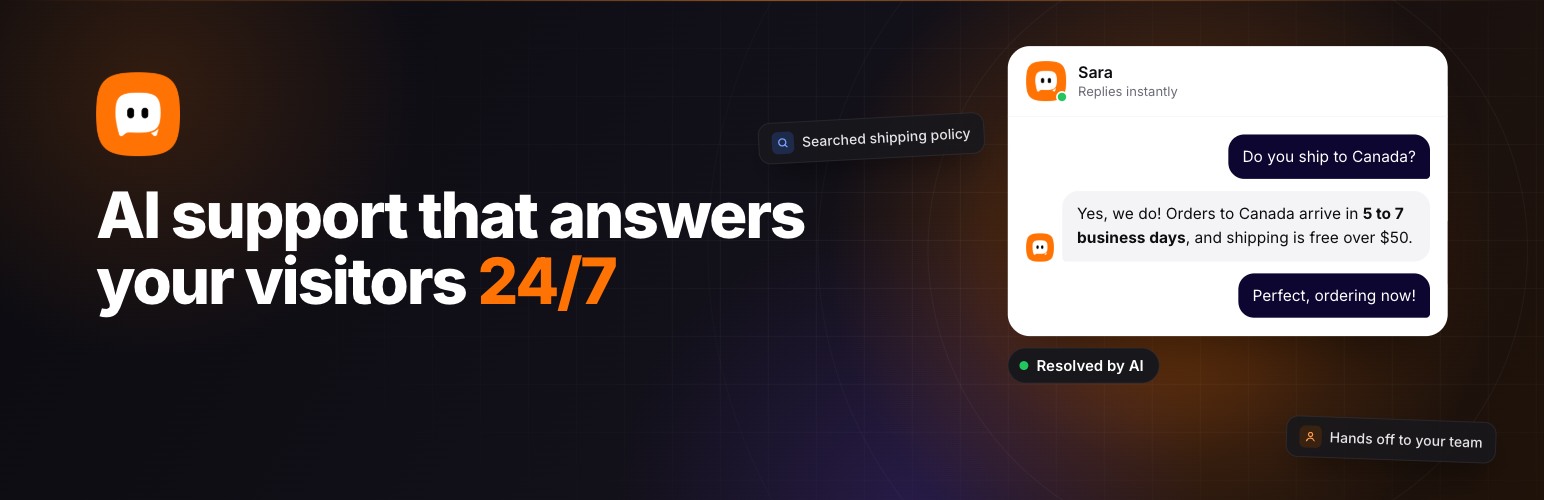
Resolai adds a chat window to your site with an AI assistant that knows your business. You give it a name, a short description of what you do and a few instructions, and it starts answering visitors’ questions by searching your own pages, posts and PDFs.
For recurring tasks, such as pricing questions or basic troubleshooting, you write short “skills” in plain language, or start from the templates included. When the assistant can’t solve something, it asks for the visitor’s contact details and emails your team a summary of the chat.
Main features
- Chat widget in your brand color with your own avatar and quick-question buttons
- Voice dictation for visitors
- Shows which pages the answer came from
- Dashboard with conversations, ratings, AI cost and a summary of each chat
- Choice of AI models through OpenRouter, with prices shown
- Automatic deletion of old conversations and an optional consent step
The plugin is free. AI usage is billed by OpenRouter to your own account; the developer says most conversations cost a fraction of a cent.
Install from your dashboard
In WordPress, go to Plugins, then Add New. Search for “Resolai” and click Install, then Activate.
Install from the zip file
Download the zip on this page. In WordPress, go to Plugins, then Add New, then Upload Plugin. Choose the file, click Install Now, then Activate.
Requires WordPress 6.5 and PHP 7.4 or newer.