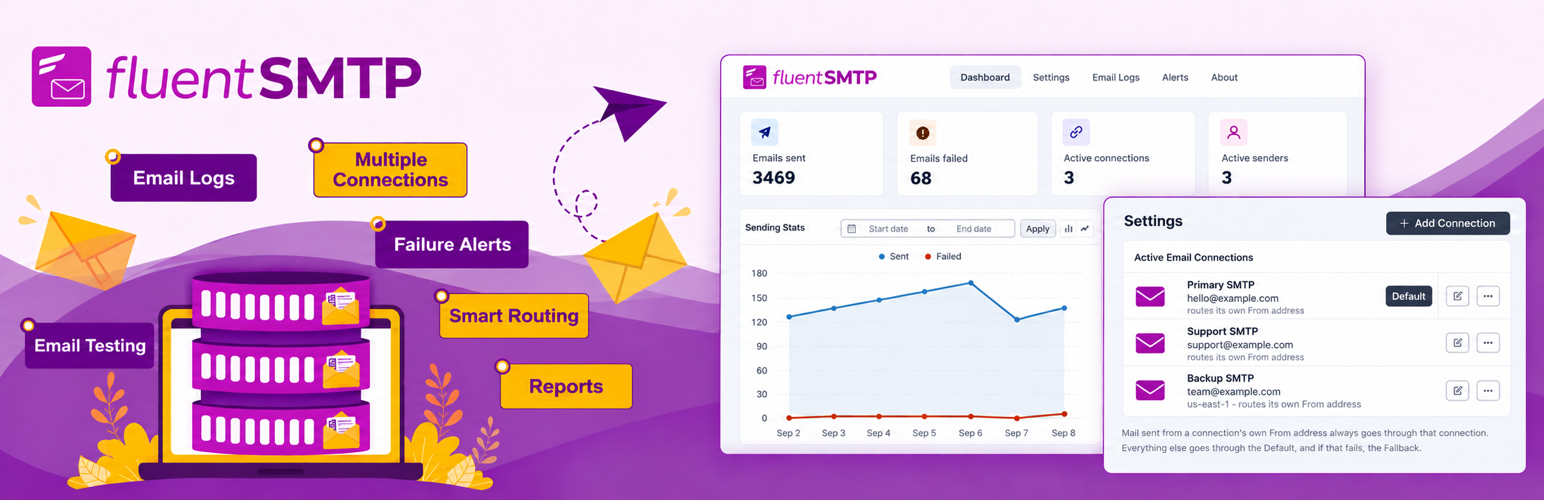

FluentSMTP
Our take
FluentSMTP does everything WP Mail SMTP does and gives away the parts its rivals charge for: email logs, several mail services at once and a long list of providers. There is no Pro version and no upgrade nagging. For most sites with email delivery problems, this is the plugin we would install first.
Good
- Fully free, no Pro version or upsells
- Email log with resend
- Several mail services at once, chosen by sender address
- Connects through each provider's API
Watch out
- Plain interface
- You still need an account with a mail service
WordPress sends email straight from your web server by default, and many inboxes treat those messages as spam or reject them. FluentSMTP routes every message through a proper email service instead, so password resets, form notifications and order emails actually arrive.
It connects to most popular services through their own API, which is faster and more reliable than plain SMTP, and falls back to any SMTP server for everything else. You can connect more than one service and let the plugin choose by sender address, for example one service for shop emails and another for newsletters.
Main features
- Gmail, Google Workspace, Outlook and Microsoft 365 through OAuth
- Amazon SES, SendGrid, Mailgun, Postmark, Brevo, SparkPost, Cloudflare, Zoho and more
- Any other SMTP server
- Email log with search and resend
- Alerts when sending fails
- Fixed sender name and address
The developer has committed to keeping every feature free.
Install from your dashboard
In WordPress, go to Plugins, then Add New. Search for “FluentSMTP” and click Install, then Activate.
Install from the zip file
Download the zip on this page. In WordPress, go to Plugins, then Add New, then Upload Plugin. Choose the file, click Install Now, then Activate.
Requires WordPress 6.5 and PHP 7.4 or newer.