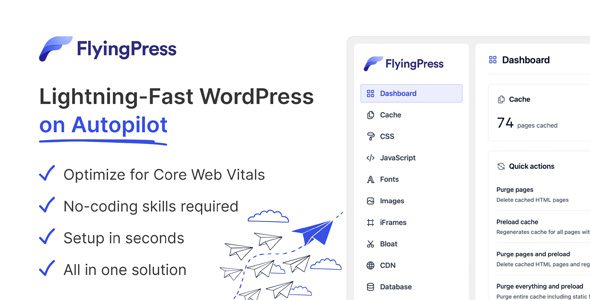
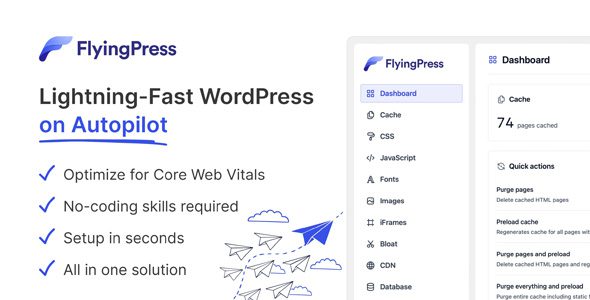
FlyingPress
Our take
A modern speed stack in a small package: critical CSS, script delay, link preloading and even AVIF/WebP compression without five separate plugins. The real-user Core Web Vitals tracking shows whether changes actually work. Fewer third-party integrations than the oldest rivals.
Good
- Critical CSS and unused-CSS removal
- Script delay until user interaction
- Real-user Core Web Vitals tracking
- Image compression to AVIF/WebP
- Free Cloudflare page caching
Watch out
- Younger plugin, smaller community
- Some features push FlyingCDN
- Aggressive optimization needs testing per site
Works well with
- WooCommerce
- Cloudflare
Core Web Vitals turned speed from a nice-to-have into a ranking factor, and most caching plugins still fight yesterday’s war. FlyingPress is built around the metrics Google actually measures: this lightweight WordPress plugin combines page caching with critical CSS, script delay and real-user tracking, so you can see scores move instead of hoping.
FlyingPress 5.6.7 is available for download on this page under the GPL license.
Key features of FlyingPress
- Page caching with brains. Static HTML served straight from the web server, with automatic preloading whenever content changes and link preloading that starts fetching a page just before the visitor clicks.
- CSS and JS surgery. Critical CSS generation removes unused styles; scripts defer or delay until user interaction, killing render-blocking without breaking the page.
- Image optimization. Compression to AVIF or WebP (lossy or lossless), lazy loading for images, iframes, videos and HTML elements, plus automatic width/height attributes to reduce layout shifts.
- Resource prioritization. Above-the-fold images and fonts load first; Google Fonts self-host, combine and preload with optional fallbacks.
- Proof, not vibes. Real-user tracking of TTFB, LCP, INP and CLS shows whether each change actually helped.
- Ops extras. Free Cloudflare page caching without APO, database cleanup on autopilot, and minification on the server or via FlyingCDN.
Who FlyingPress suits
Owners chasing green Core Web Vitals on content sites and stores, and performance-minded developers who want modern techniques (critical CSS, interaction-delayed scripts) without wiring a build pipeline. Start with defaults, watch the real-user metrics for a week, then tighten.
FlyingPress free download: latest version
FlyingPress 5.6.7 is available for download here under the GPL license. Upload via Plugins → Add New → Upload Plugin, activate, and run through the setup in a few clicks.
Install from the zip file
Download the zip on this page. In WordPress, go to Plugins, then Add New, then Upload Plugin. Choose the file, click Install Now, then Activate. Stuck? See our step-by-step guide to installing a plugin from a ZIP.
What makes FlyingPress different from other caching plugins?
Beyond page caching it generates critical CSS and removes unused CSS, delays non-critical scripts until user interaction, and preloads links just before a click — modern Core Web Vitals techniques in one lightweight package.
Does it optimize images too?
Yes. Images compress to AVIF, WebP or optimized originals in lossy or lossless modes, so the plugin covers more of the speed stack than a classic cache.
Is FlyingPress free?
No, it is a commercial plugin with no free tier — the license is per site count, with updates included.
FlyingPress vs WP Rocket: which is better?
WP Rocket is the established all-rounder — the most tested, the most documented, the safest default. FlyingPress is the newer, lighter rival that pushes further on modern optimizations like unused-CSS removal and real-user vitals tracking. Conservative stacks choose WP Rocket; optimization enthusiasts enjoy FlyingPress.
Will aggressive optimization break my site?
It can, as with any tool that rewrites how assets load. Enable features incrementally — cache first, then CSS removal, then script delay — testing the site after each step. Script delay in particular needs a per-site exclusion list for anything interactive above the fold.
Does it work with Cloudflare?
Yes, including free Cloudflare page caching integration, so the edge cache and the plugin's optimizations complement rather than duplicate each other.