
Advanced Custom Fields (ACF)
Our take
ACF is the standard tool for turning WordPress into a structured content system, and the free version is enough for many projects: dozens of field types, custom post types and taxonomies from the admin. The most powerful field types, Repeater and Flexible Content, plus options pages and ACF blocks, require ACF PRO.
Good
- Dozens of field types with a clean interface
- Registers post types and taxonomies from the admin
- Simple functions to show fields in templates
- Widely documented and supported
Watch out
- Repeater, Flexible Content and options pages are PRO
- Showing fields on the site needs some template code
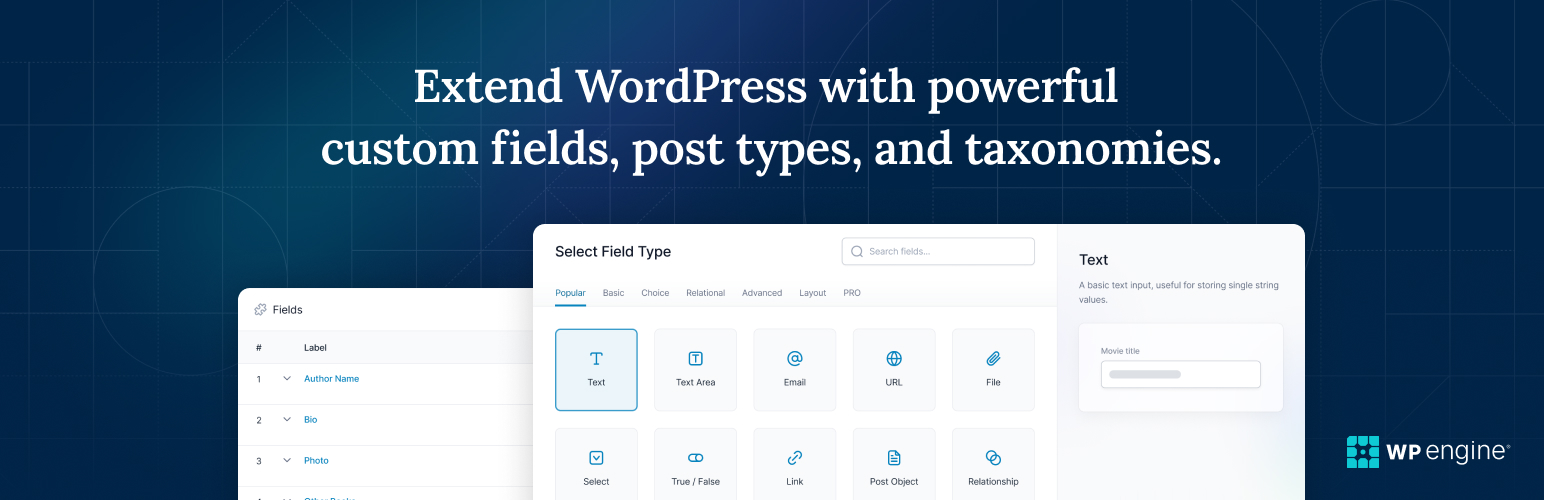
Advanced Custom Fields lets you add your own fields to WordPress edit screens: a price on a product, a date on an event, a rating on a review. You build field groups with a visual editor and choose where they appear, such as on a post type, a page template, users or categories.
Content modeling in the admin
Besides fields, ACF can register custom post types and taxonomies from its own interface, so you can build things like a book catalog or a team directory without writing registration code.
What you get for free
- Text, number, image, file, link, select, date, relationship and many more field types
- Location rules for where each field group appears
- Custom post types and taxonomies
- Developer functions such as get_field() for templates
- REST API support
ACF PRO adds Repeater, Flexible Content, Gallery and Clone fields, options pages and ACF Blocks.
Install from your dashboard
In WordPress, go to Plugins, then Add New. Search for “Advanced Custom Fields (ACF)” and click Install, then Activate.
Install from the zip file
Download the zip on this page. In WordPress, go to Plugins, then Add New, then Upload Plugin. Choose the file, click Install Now, then Activate.
Requires WordPress 6.2 and PHP 7.4 or newer.
What is the difference between ACF and ACF PRO?
ACF PRO adds the Repeater, Flexible Content, Gallery and Clone fields, options pages and ACF Blocks for the block editor.
Do I need to code to use ACF?
Creating fields needs no code. Displaying them usually means adding a line such as the_field() to your theme templates, or using a theme or builder that supports ACF.